
-
-
December 16, 2021 at 12:21 pm #353363
 Erik TornquistParticipant
Hi. Would like some info on the dialog box:
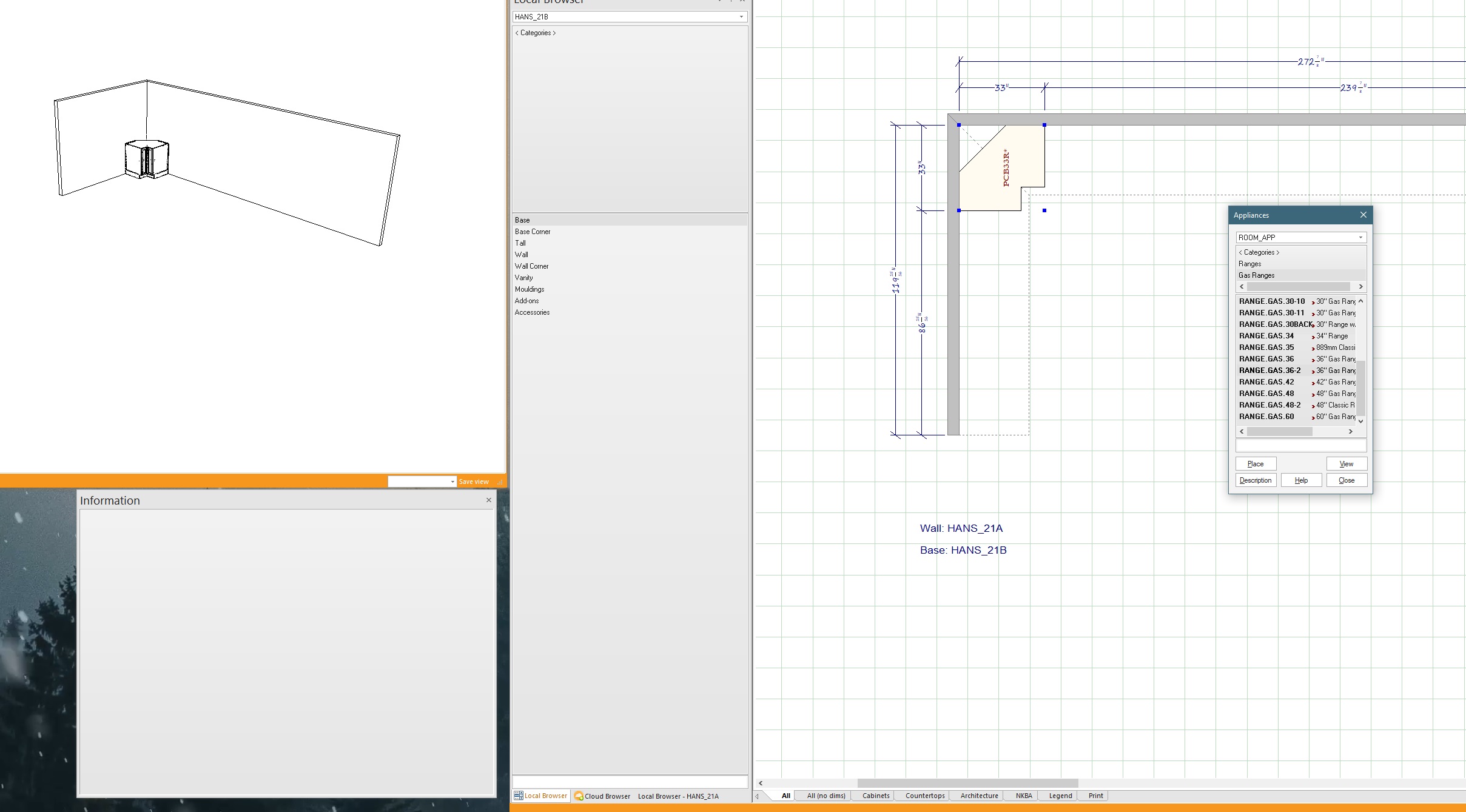
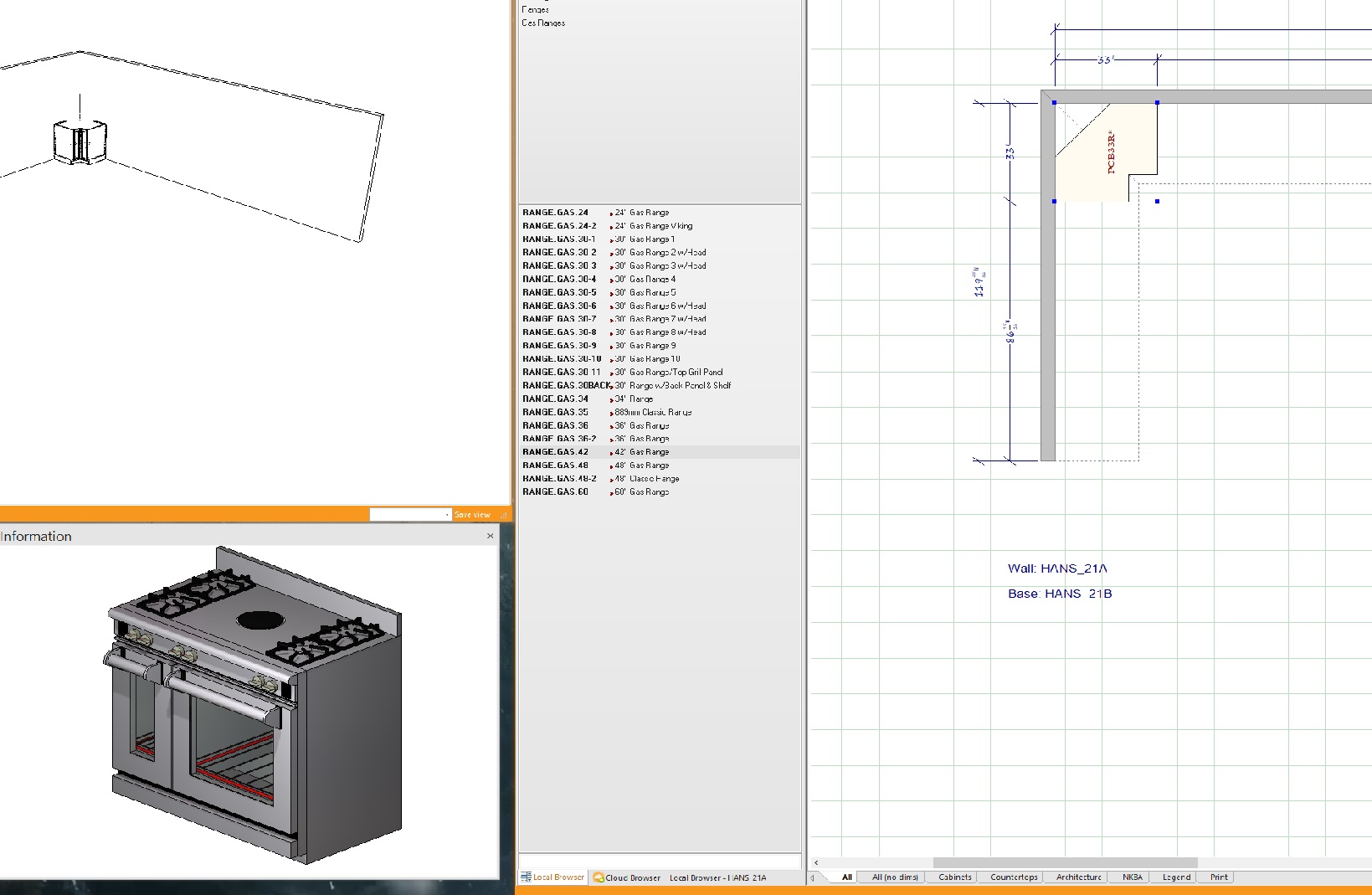
When selecting an appliance (or any other item) in the local browser, the image view shows up in the Information box. But, when selecting an item from the box that shows up when selecting an icon in the ITEMS tab, no image view shows inside the Info box.
Am I missing something that can change that? Or is that just the way it currently is?
I remember that being the case (atleast I think I do) since using v.8 or 9.
Please let me know if I’m missing something.
Thanks in advance
Attachments:
-
December 16, 2021 at 2:33 pm #353382
Kristopher Papaleo
ParticipantHi Erik,
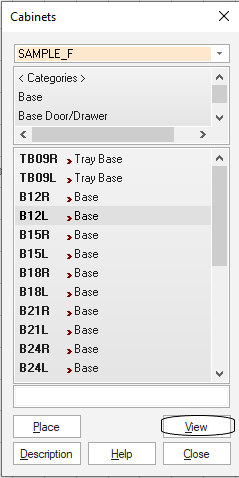
The Information box will only work with the Local Browser. When using the ‘Cabinets’ option under the items tab, you can select the item and then click on ‘view’ to get a glimpse of the item!
Regards,
Kris
Attachments:
-
December 16, 2021 at 2:50 pm #353392Erik TornquistParticipant
Wow, those capture images look like crap. Just an FYI, I have the same 36″ range selected.
-
December 16, 2021 at 3:01 pm #353394Erik TornquistParticipant
I’m guessing it’s just some restriction in the code that prevents it? All good, was just curious if there was a particular reason why.
Thanks for replying, Kris. -
December 16, 2021 at 3:10 pm #353396Erik TornquistParticipant
Oh and sorry, i meant MY images were crappy looking
-

You must be logged in to reply to this topic.