
-
-
February 28, 2022 at 1:00 pm #359949
 Erik TornquistParticipant
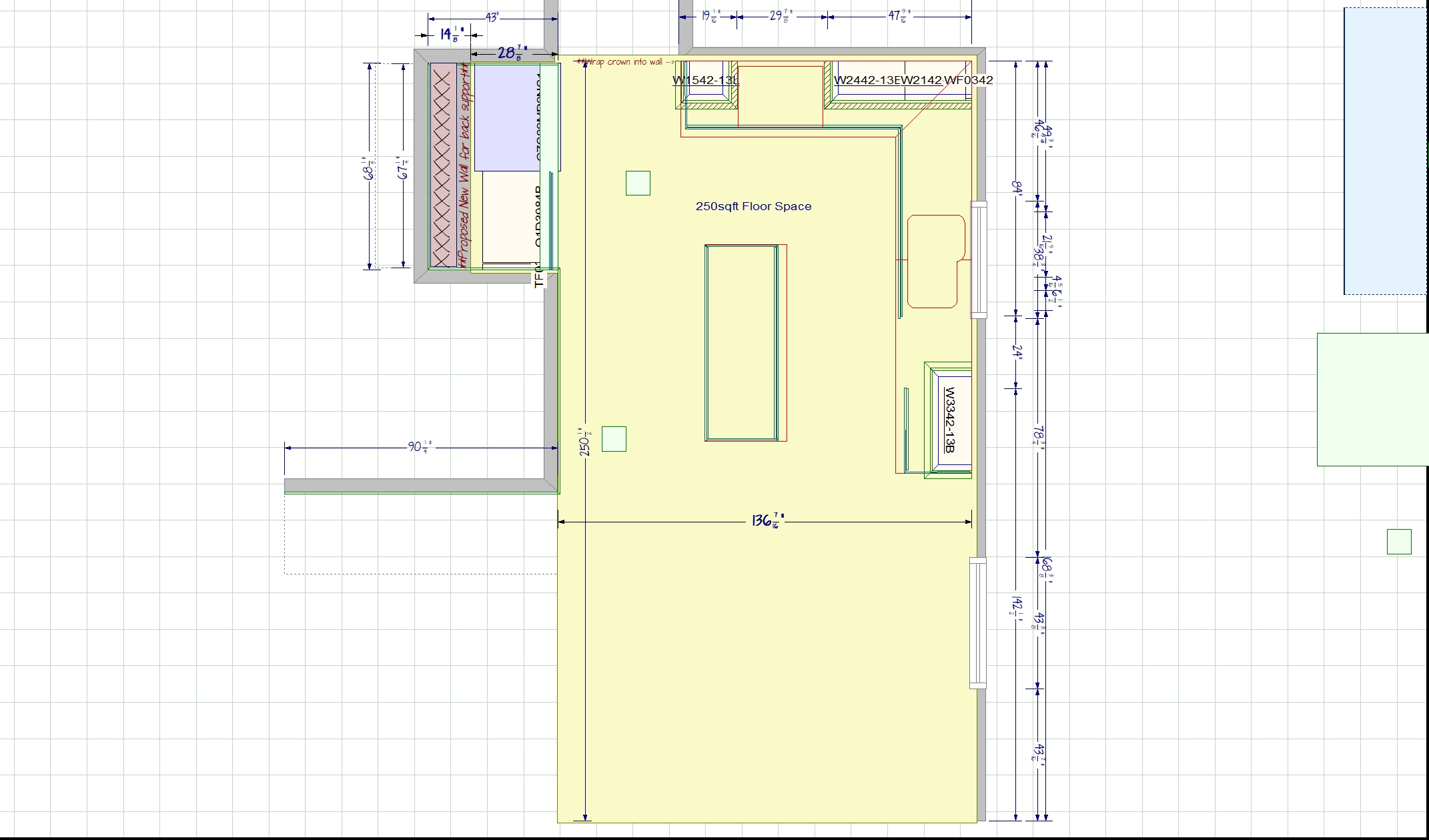
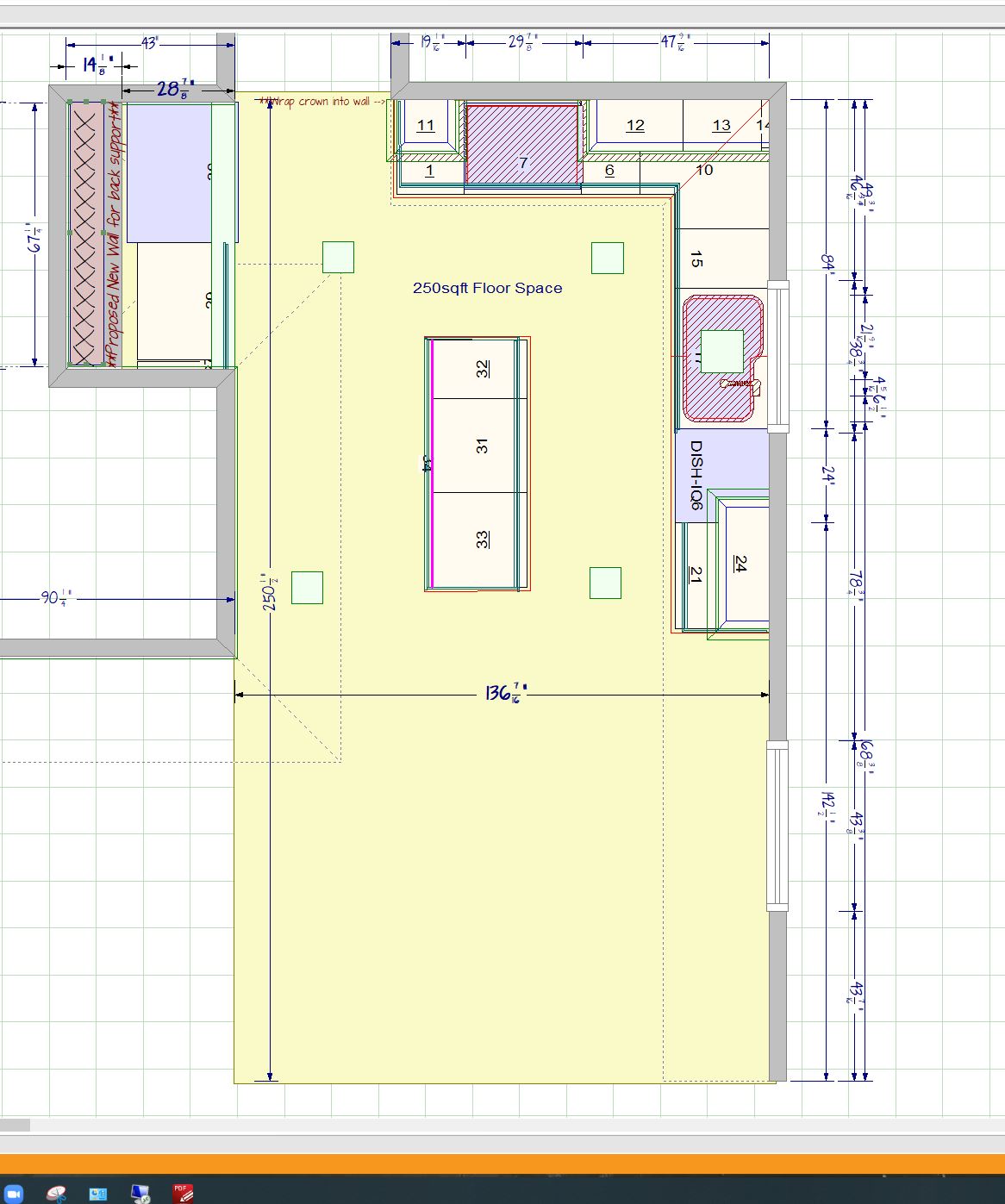
Need info on this.
As you can see, when saving a tab as an image, the saved image comes out with missing base cabinets but you can see the image from the Snipping Tool, it shows fine on the plan in 2020. I’ve tried adjusting the Surface Area below the base line so that the surface doesn’t interact with the base cabinets but it still eliminates the base cabs from the Save As Image product.
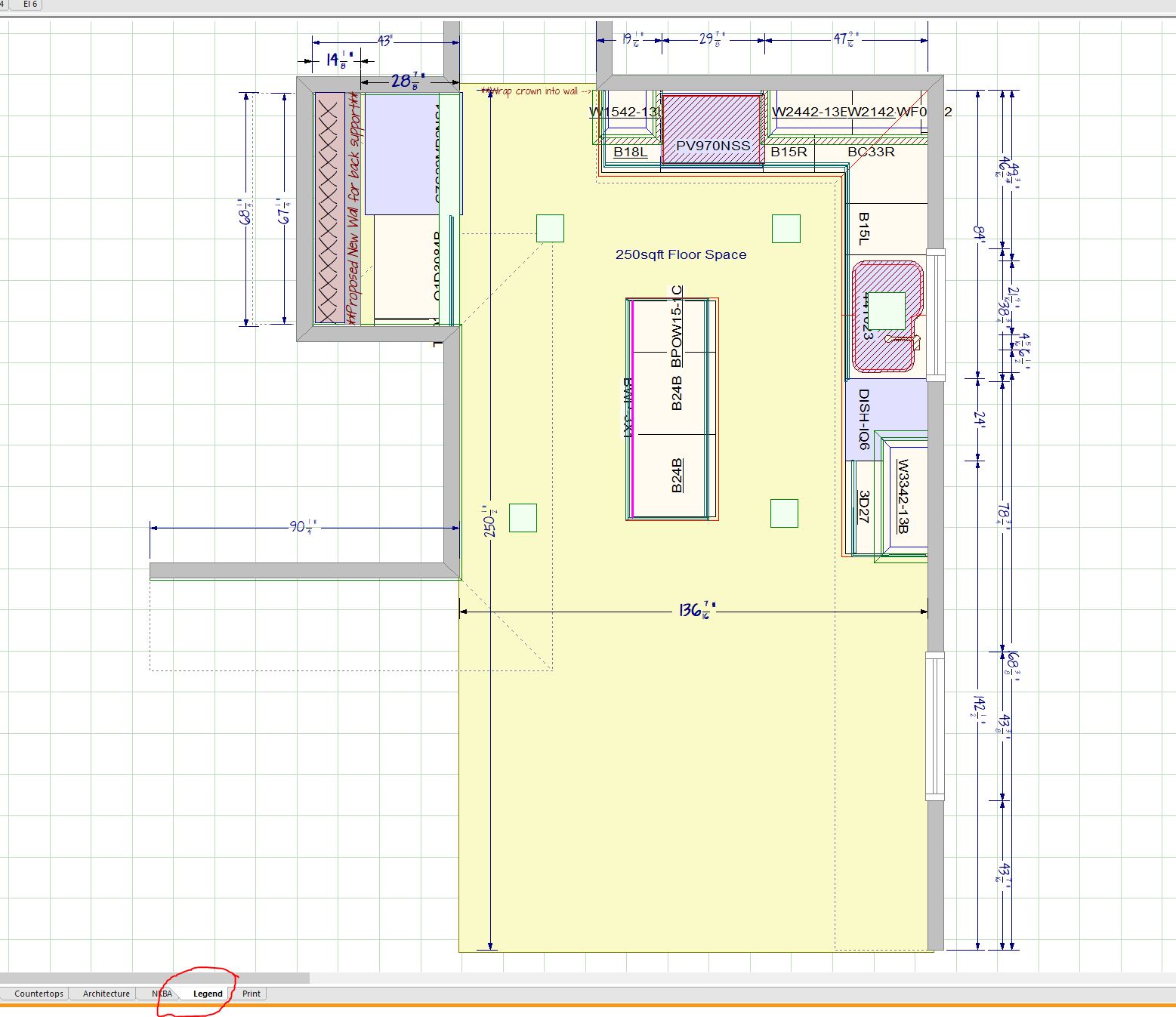
Also, you can see in another screen shot I grabbed, the LEGEND tab changed to having cabinets info shown instead of item #. It seems to be going back’n forth occasionally. Have to click off the tab for it to go back to normal but will go back to screwing up again after a while.
Going back to the original problem, I’ve also noticed when creating a Surface Area to show a blacksplash, it will cut into moulding sometimes and cut off areas of the cabinet that the Surface Area will cover, even though the Surface area is supposed to be against the wall.
Can I also say, the Clicking area for Lines (Line, Runing Line, Square, etc…) is insanely off, it seems ridiculous. We’re talking about a good 12″ away from the line item, it makes it impossible to click anything near it. I have to either move that line item away, which makes it a problem if any measurement is attached to that Line Item, or have to right click which makes it also problematic. There must be something that can be done regarding Clicking Areas around Lines, and even measurements.
-
February 28, 2022 at 6:09 pm #359996
Kristopher Papaleo
ParticipantHi Erik,
We are aware and have marked the surfacing issue down as a bug to later be fixed. As a suggestion, rather than using the surface tool to set a flooring material, you can set the material from within the rendering. HERE is an article that explains how to change the default flooring texture for the program and for individual designs.
We are also aware of the ‘selection’ issue regarding lines and dimensions. At the moment the only work around for this would be to right click to select the line or dimension.
As for the issue with the Legend and the issue with the surface cutting into molding, would you be able to send us a copy of the design in question so we can take a look and see what’s going on? You can send it to residentialsupport@2020spaces.com with some information.
Regards,
Kris
-
March 1, 2022 at 10:04 am #360143Erik TornquistParticipant
Hi Kris, Thanks for the reply and update.
That surface area I marked out on the floor was actually just to show the subcontractor where the new flooring will be put down. I appreciate the info but, yes, I change the flooring/default texture. Although sometimes I Do create a Surface area to add multiple floor textures within a render.
I’ll send the design copy over. It seems to be just that design anyway, all others I’ve checked are A-ok.
Again, thanks for the response.
-
-

You must be logged in to reply to this topic.