
-
-
February 17, 2023 at 4:45 pm #420018
Kristin Andrews
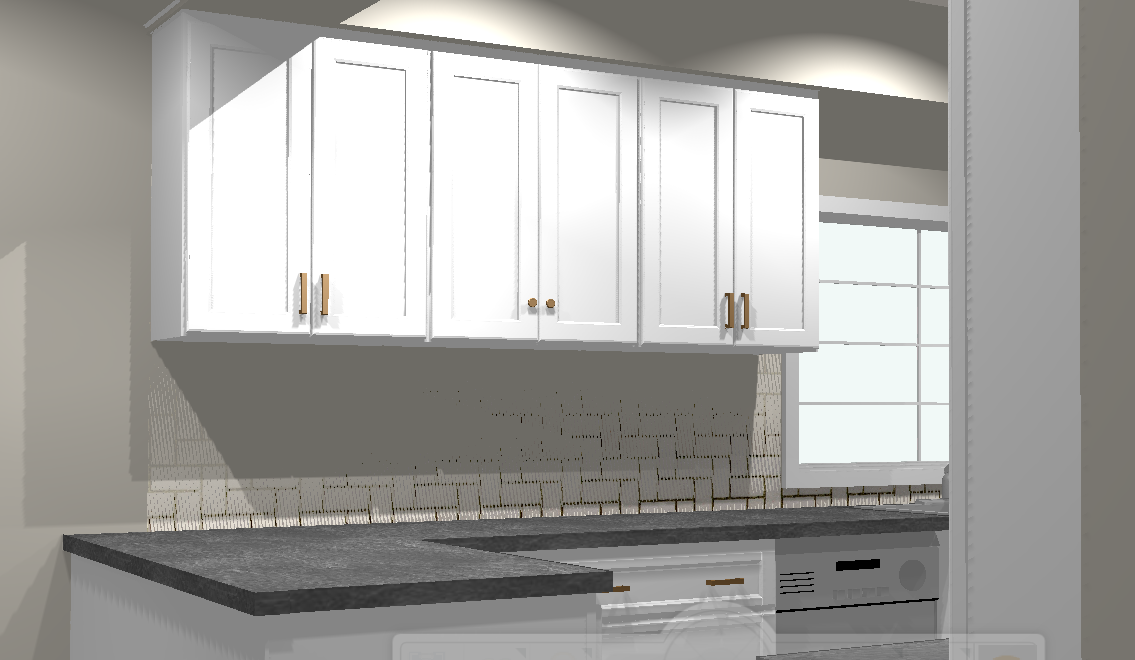
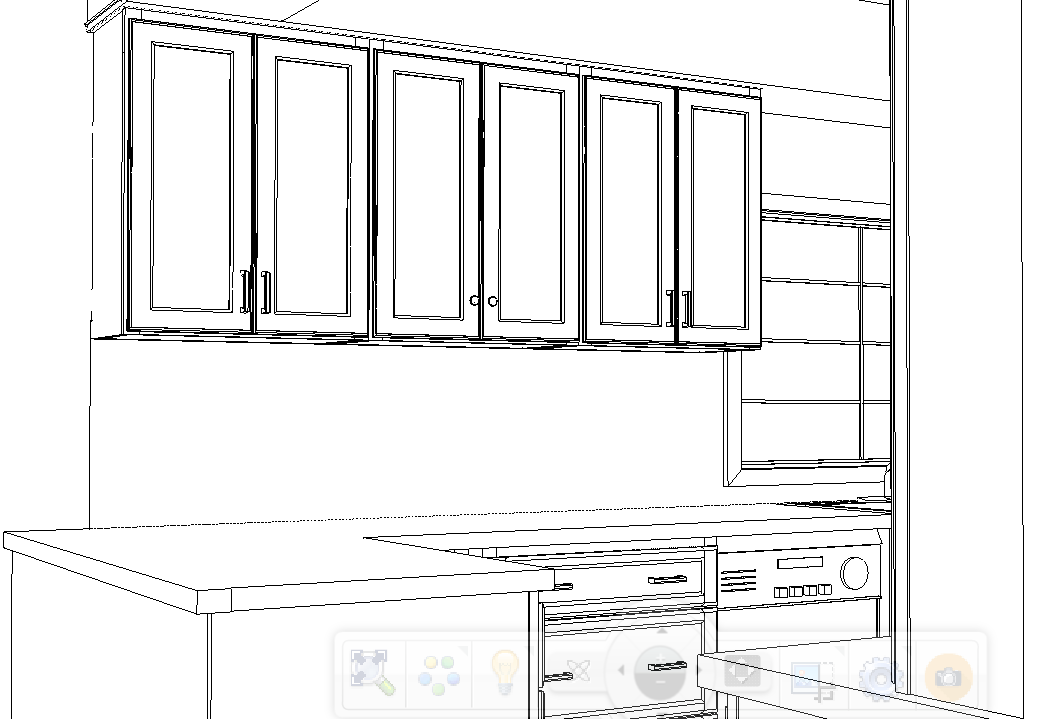
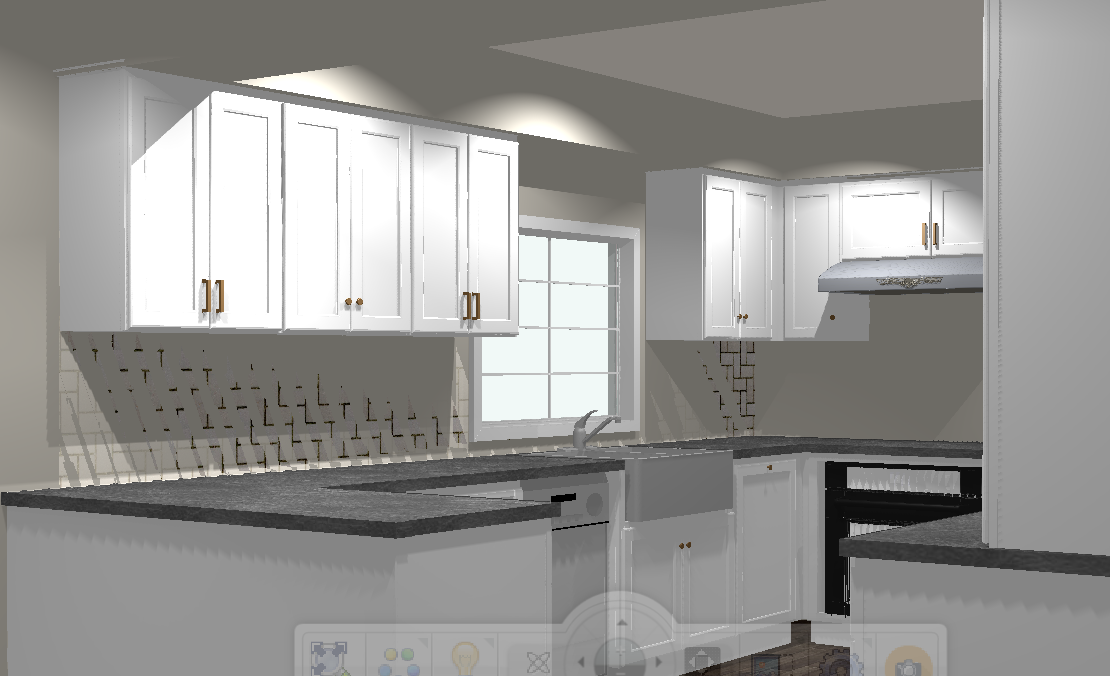
ParticipantWe have been having an issue with EZ render. We originally thought it was an issue with a failing graphics card on one of our design computers.Now nearly 10 are having the same issue. When you render, then move the mouse around to get a better angle it gets stuck in hidden lines mode, or if it comes back – everything is jagged or pieces of the design are missing. This is happening on both the most recently updated computers and the previous version (we always update 1-2 and then wait a bit before doing the rest) even after the hi res render, things are jagged and missing
-
February 17, 2023 at 5:17 pm #420049
Kristopher Papaleo
ParticipantHi Kristin,
To correct this issue, please follow the below steps.
1. Make sure the 2020 design program is closed.
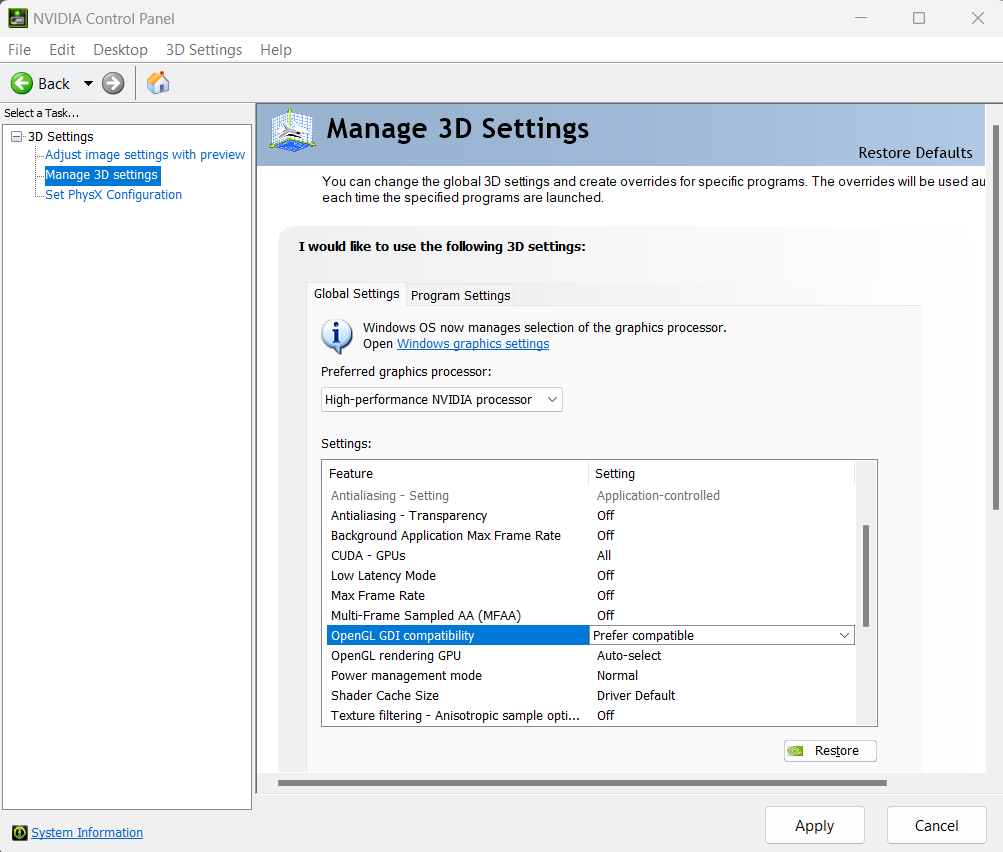
2. Open the Nvidia Control Panel.
3. In the Nvidia control panel, select Manage 3D Settings on the left hand side. Then on the right hand side, change ‘OpenGL GDI compatibility from ‘Auto’ to ‘Prefer compatible’. -I attached an image showing this option-
Once this is done, the program will render your perspective correctly once more!
Regards,
Kris
Attachments:
-


You must be logged in to reply to this topic.