
-
-
January 20, 2018 at 3:34 pm #166564
Amy Huxman
Pilot ProI have been trying, without success, to change the width/height of a surface I imported. It keeps changing to the exact same size. Example: I put width at 36″, it automatically puts the height the same. This is making my hardwood floors look chopping. I want the width of the planks I put in at 36″ but the length at 96″. Does anybody know how to change these so they don’t stay the same numbers?
-
January 22, 2018 at 9:47 am #166565
 Neil WilsonParticipant
Hi Amy,
When you are importing textures into the software it is set up to keep the aspect ration of the image you import. This means that if you import a square image it will stay square no matter what size you make it. If you want to have rectangular texture you need to import it from a rectangular image.
Neil
-
January 23, 2018 at 8:23 pm #166961
 Mike LangensiepenPilot Pro
If you want to grab a particular part of an image then there is a free screen capture program called MWSNAP that allows you to specify the height and width of the capture area. You then just move the onscreen rectangle around to capture the section you want and save it back ready to use in 2020.
MWSNAP can be downloaded from the address below and is a small, fast and SAFE program.
https://www.mirekw.com/winfreeware/files/MWSnap300.exe
Because MWSNAP can respond to a key combination, it’s also useful for capturing an onscreen image that would otherwise disappear if you used (for example) the Snipping Tool.
-
January 25, 2018 at 10:25 am #167081
Chuck H.
ParticipantMike,
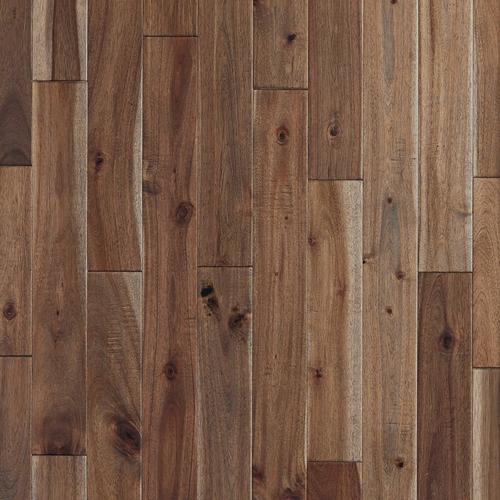
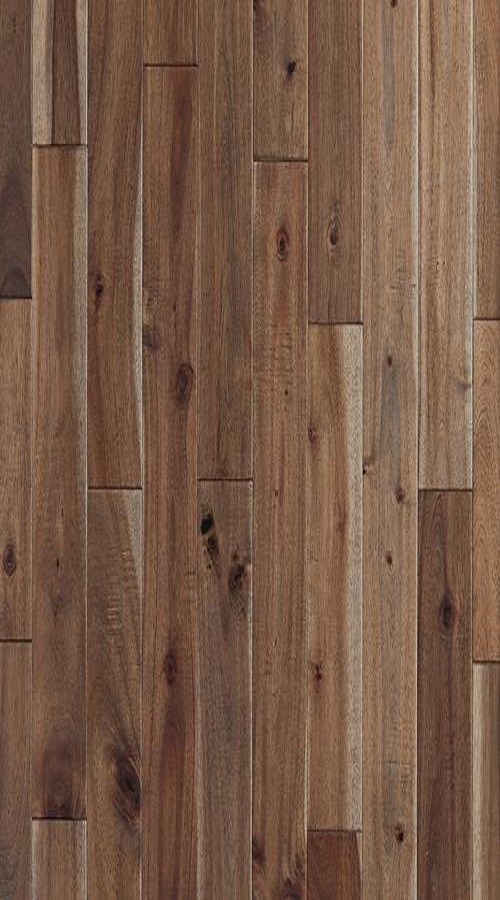
We have found that using Paint to resize our downloaded textures only take several minutes and give much better results than screen captures. The screen captures or snips just seem to not be as clean and clear in the renders versus downloads and resizing. I’ll give your program a try and see how it works for us. See attached downloads and resize.
Regards,
Chuck H.
Attachments:
-
January 25, 2018 at 5:46 pm #167289Pilot Pro
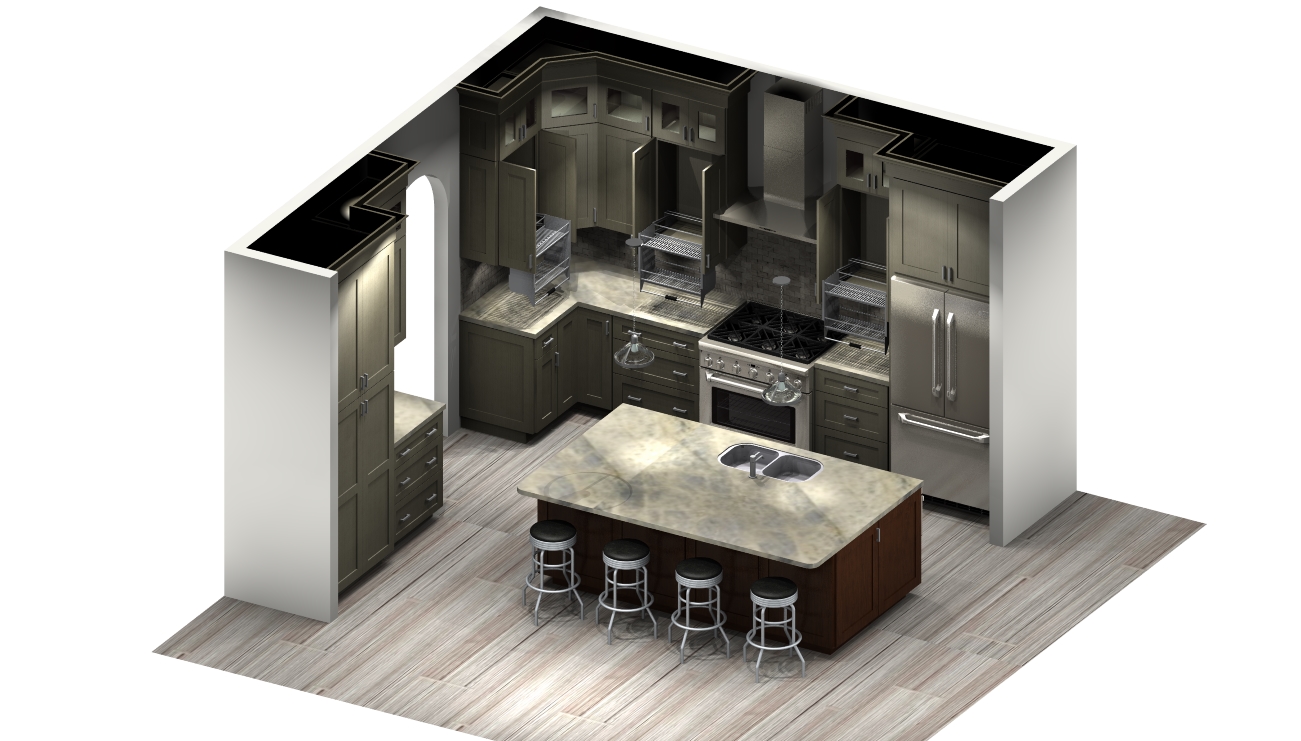
Can anybody walk me through with Paint to resize or how to change the aspect on any of these programs. I have attached a picture and you can see how choppy the flooring is.
Attachments:
-
January 26, 2018 at 6:38 am #167310Participant
Amy,
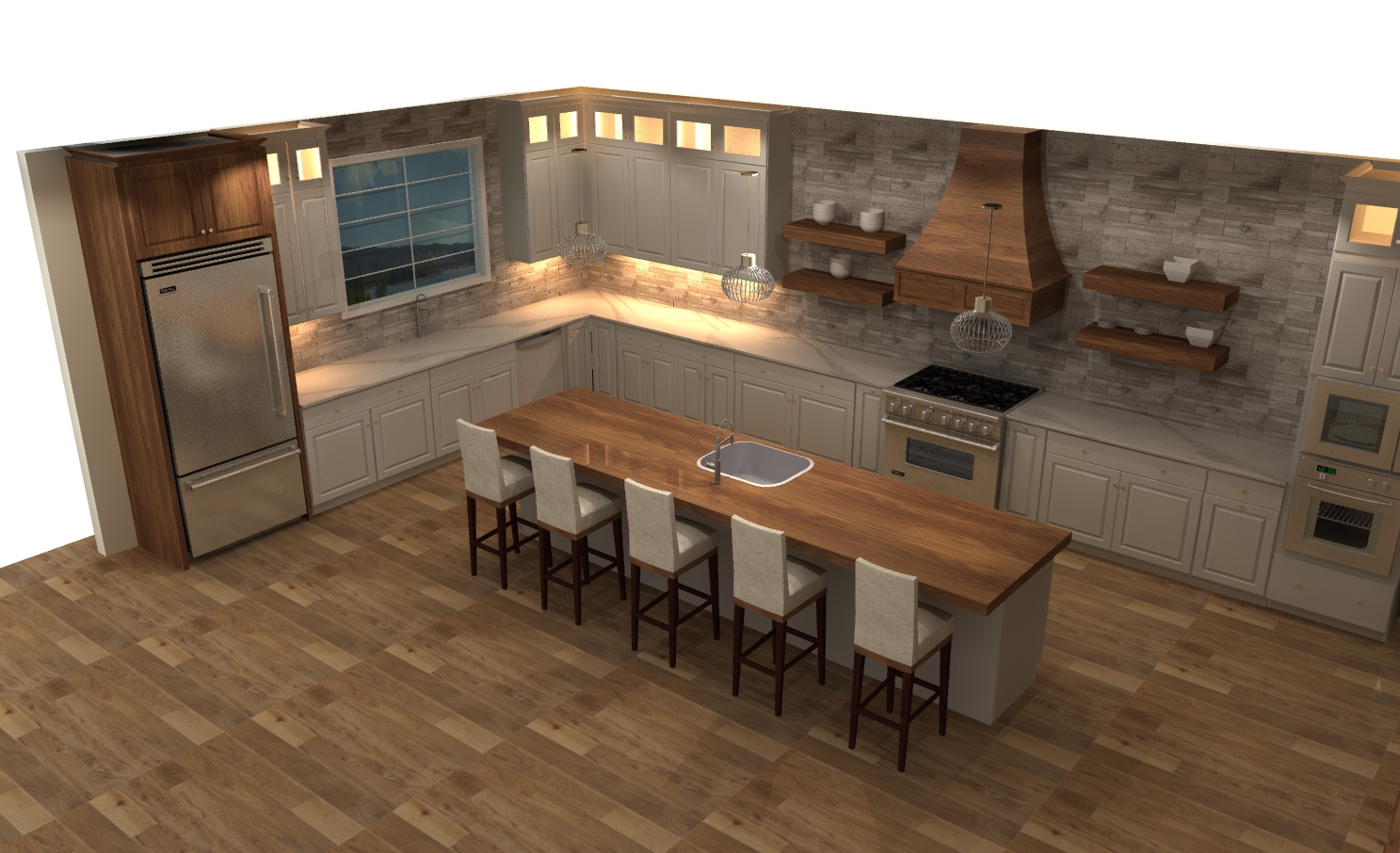
Attached is an image that I am working on this morning, with the flooring sized to my needs. The lighting is not complete at this time as I’m still working on the design, but hopefully enough to give you an idea. The Plank Floor in long and narrow versus square.
Attachments:
-


You must be logged in to reply to this topic.