
-
-
December 1, 2022 at 3:27 pm #417173
 Ariana ThompsonParticipant
Greetings!
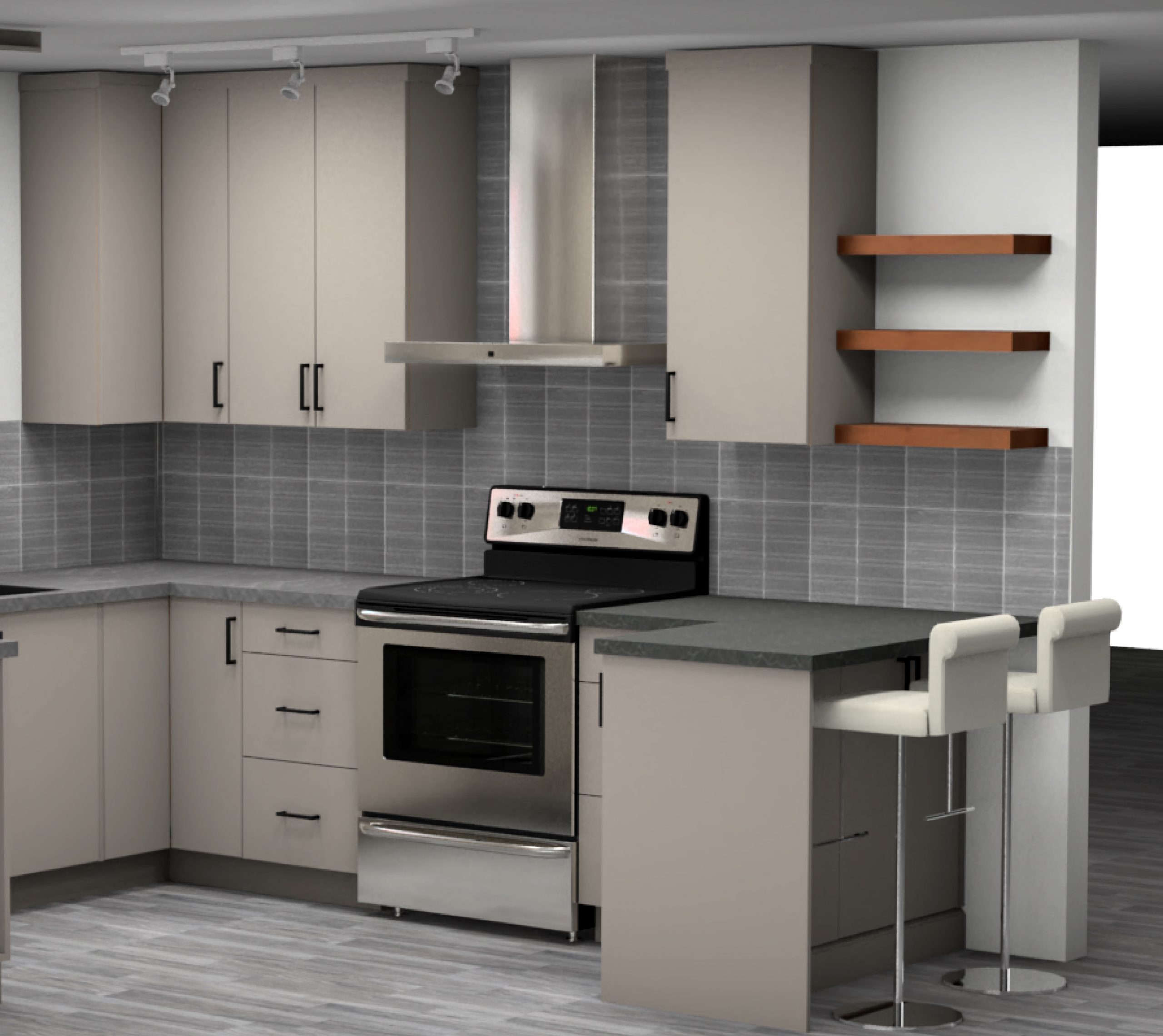
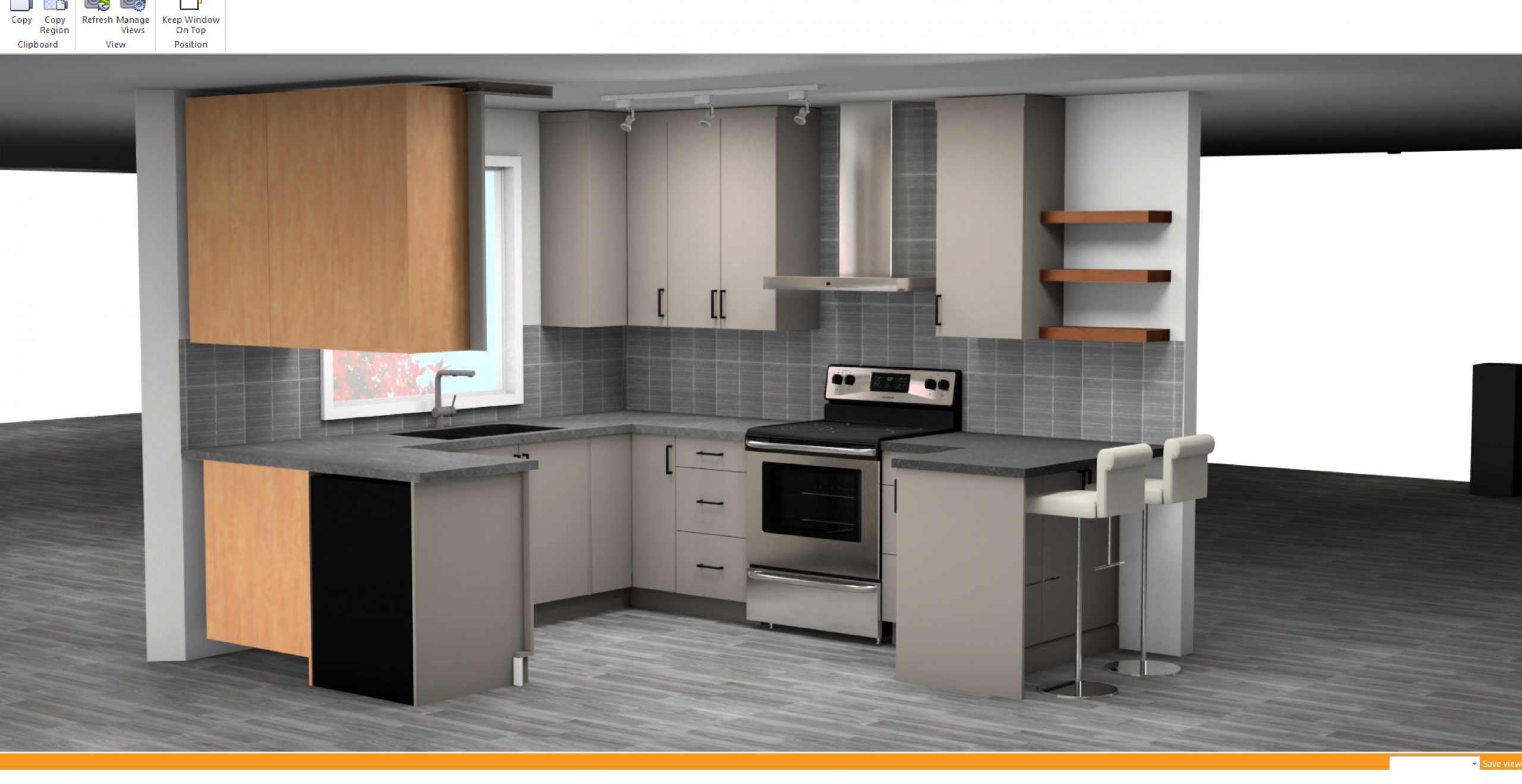
I would love to print my colour renderings in the proper 2020 “frame” with our ID and all that, but using the Object and Camera clipping tools to get the view I want often results in a messy look (half cut open cabinets, visible scenery panels peeking out).
As a result, I always screencap, then paste the screencap into MS PAINT, and crop it. I then save or print it from there, but it doesn’t have that nice official 2020Design look.
Is there any way to crop the side garbage out of my renders, then still use the 2020 official printframe?
Cheers,
Ariana
Attachments:
-
December 1, 2022 at 3:32 pm #417184Ariana ThompsonParticipant
This is how the render looked in 2020:
Attachments:
-
December 5, 2022 at 12:46 pm #417238
Kristopher Papaleo
ParticipantHi Ariana,
It is possible to crop a view in the rendering and use the image in the Drawing Layout.
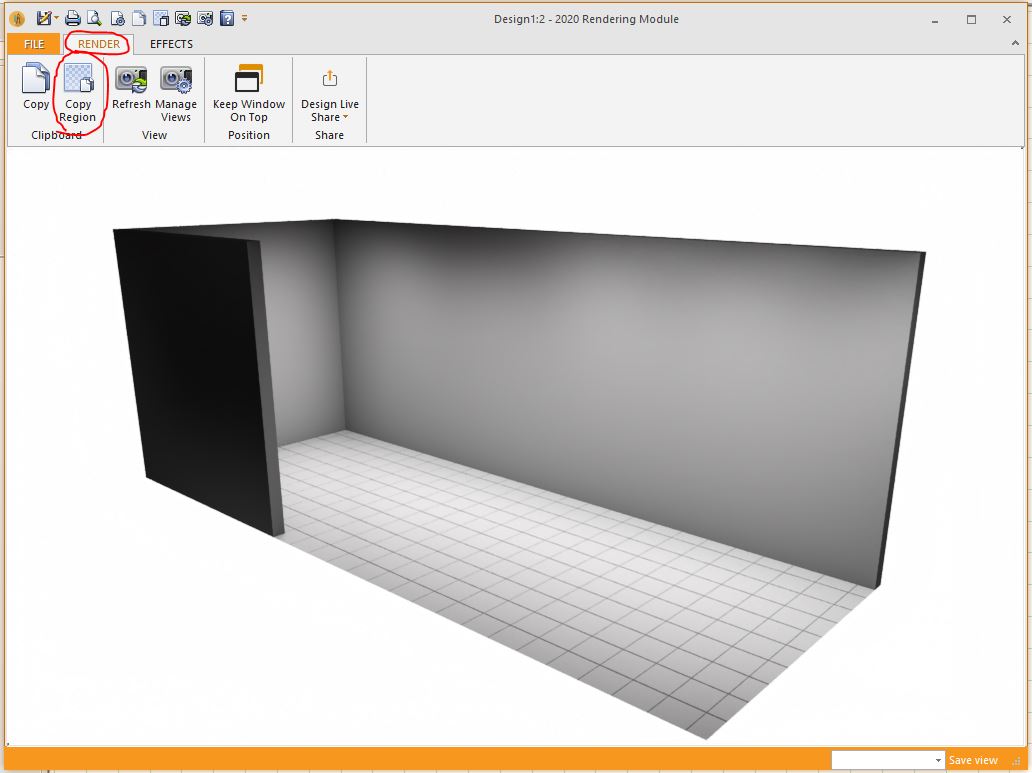
When you have the perspective view opened, click on Render and use ‘Copy Region’. Once you click on copy region, lasso the portion of the drawing you would like to use. When you have your region selected, you can close the rendering. Now you can head over to the drawing layout and when the layout is opened, you can right- click on it and click on ‘Paste from clipboard’.
Hope this helps!
Kris
Attachments:
-
December 6, 2022 at 10:23 am #417301Ariana ThompsonParticipant
Thanks Kris!
I’ll be honest, I’ve only ever opened a render, clicked Print Preview in the upper left, and that’s it. I’ve never been able to figure out Drawing Layout. I click it and that pop-up box of layouts opens and…. it’s all just gibberish! We have a new team member who has expertise in AUTOCAD and she looked very at home with that pop-up when I showed it to her – so I am forwarding your email to her and look forward to her showing me how to do it!
That’s something I do love about 2020, there’s always more to learn!
And of course, this forum!
Cheers,
Ariana
-
December 6, 2022 at 11:10 am #417302Participant
Hi Ariana,
You are very right, there is always something more to learn in 2020 Design! To make the learning a little easier, I’ve found an article we have regarding the drawing layout and its usage. Hopefully the article can help you out and make it a little easier 🙂 Click HERE to check out the article!
Regards,
Kris
-
December 6, 2022 at 11:17 am #417303Ariana ThompsonParticipant
Thanks Kris!
-


You must be logged in to reply to this topic.