August 16, 2017 at 9:19 pm
#143401
 Mike Langensiepen
Pilot Pro
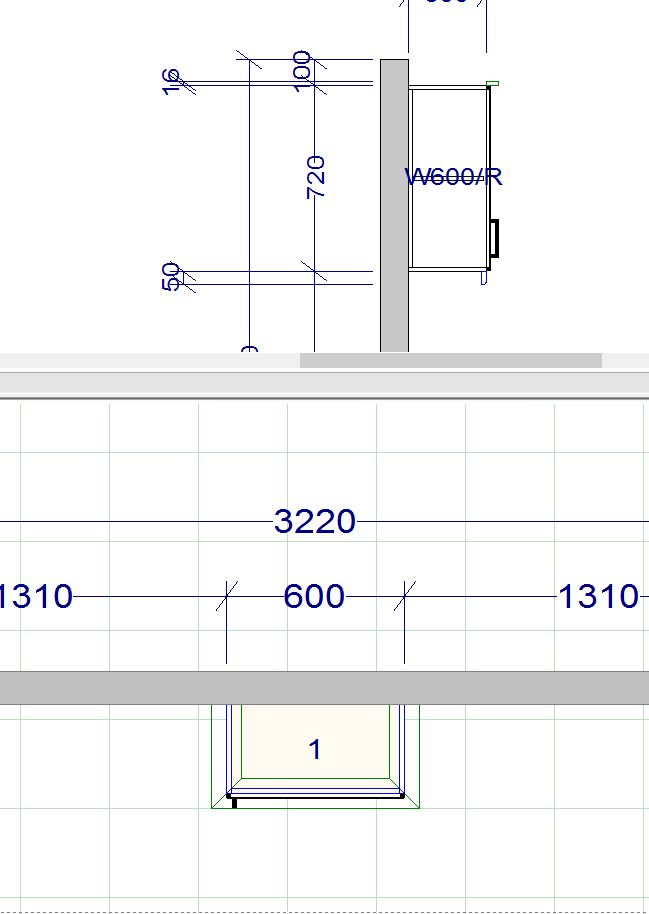
Click in the Placement Zone then move your mouse to a blank area of the drawing then Right Click and choose ‘Add Side Elevation Area’.
Click back in the placement zone and you will get a thick black line – move it to the centre of the cabinet you want a Side Elevation of and click again. Move the mouse and you will see an arrow. Point it to the left or right to get whichever side elevation you want and click again.