June 1, 2018 at 10:37 am
#189730
 Ollie Farrant
2020 Expert
Hi Shane,
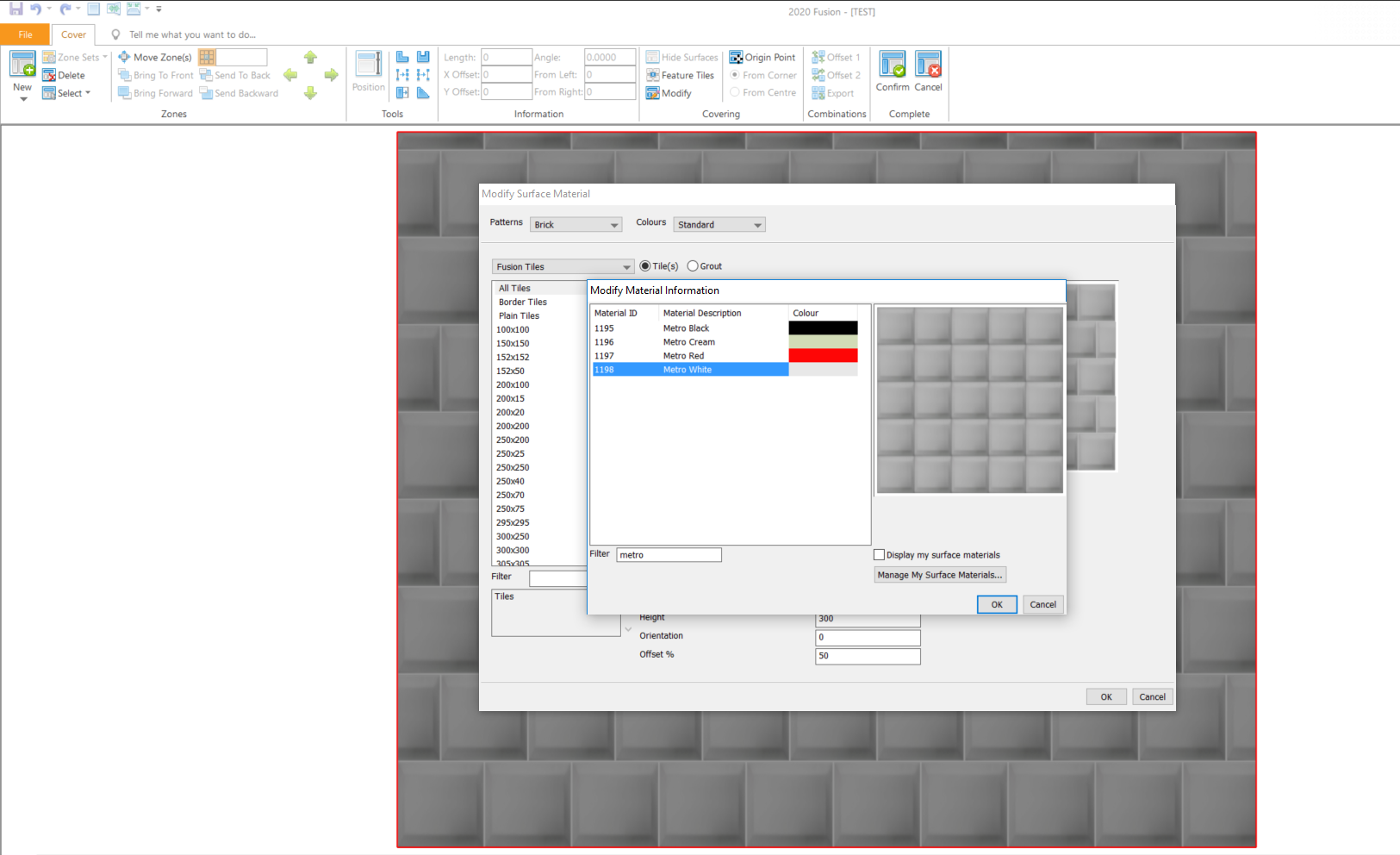
Please select your wall and go to Coverings > Advanced Wall > Create your tilling zone > Modify Surface Material > Select Fusion Tiles > Double Click All Tiles
In the Filter box, please type Metro and then hit Tab on your keyboard. You should now see “Metro White”.
See attached screenshot.
Thanks!
Ollie