August 19, 2022 at 11:33 am
#373971
 Kristopher Papaleo
Participant
Hi Jason,
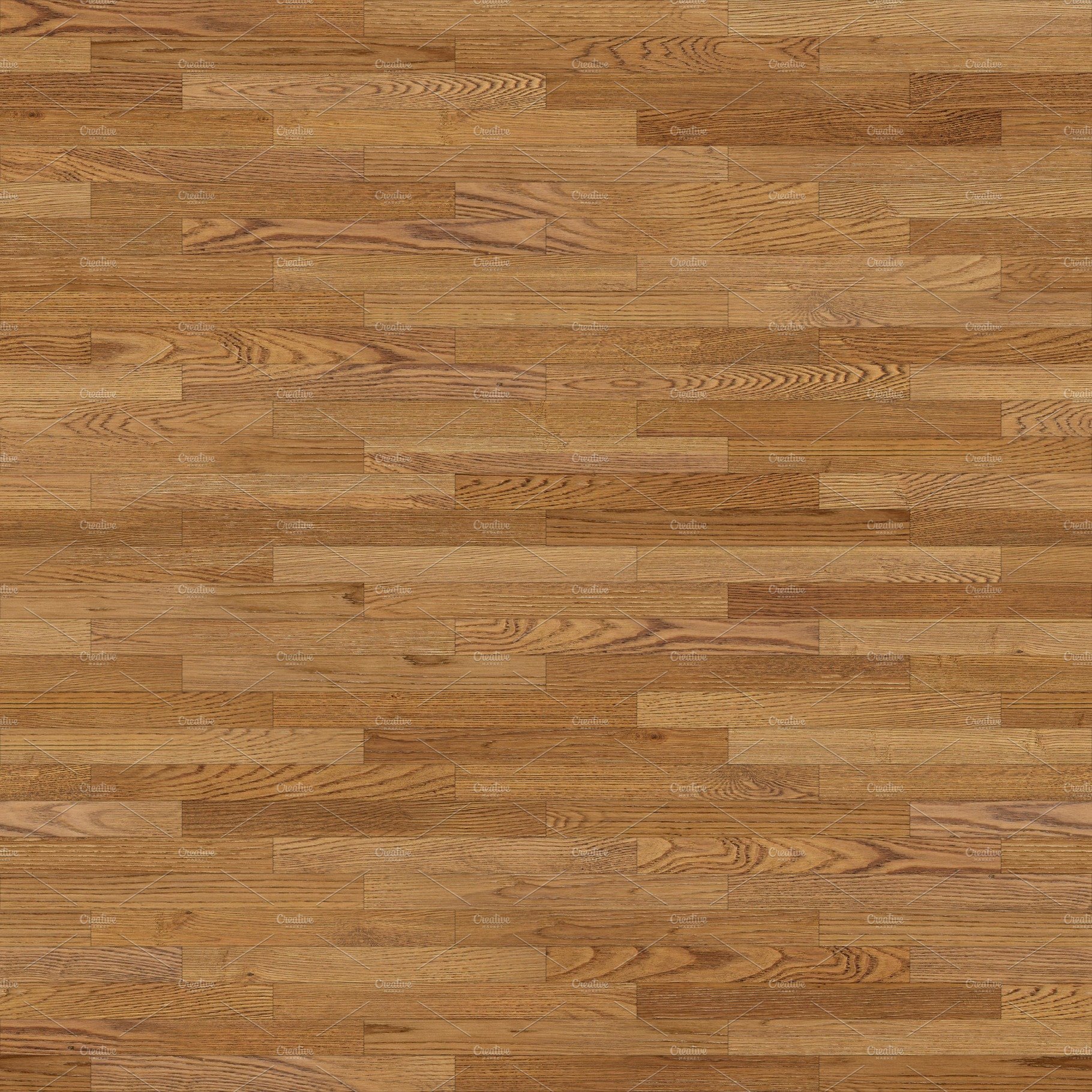
The program will naturally tile over images that you bring into the program, the only way for it to look correct would be if the image you have is seamless. When you use a seamless image, it will continue itself when the program tiles it on an item. The best way to find this type of image would be by going to Google Images and adding ‘seamless’ into the search bar. Attached is an example of a seamless image I was able to find on google.
Regards,
Kris