June 5, 2023 at 1:54 pm
#425191
 Kristopher Papaleo
Participant
Hi Lisa,
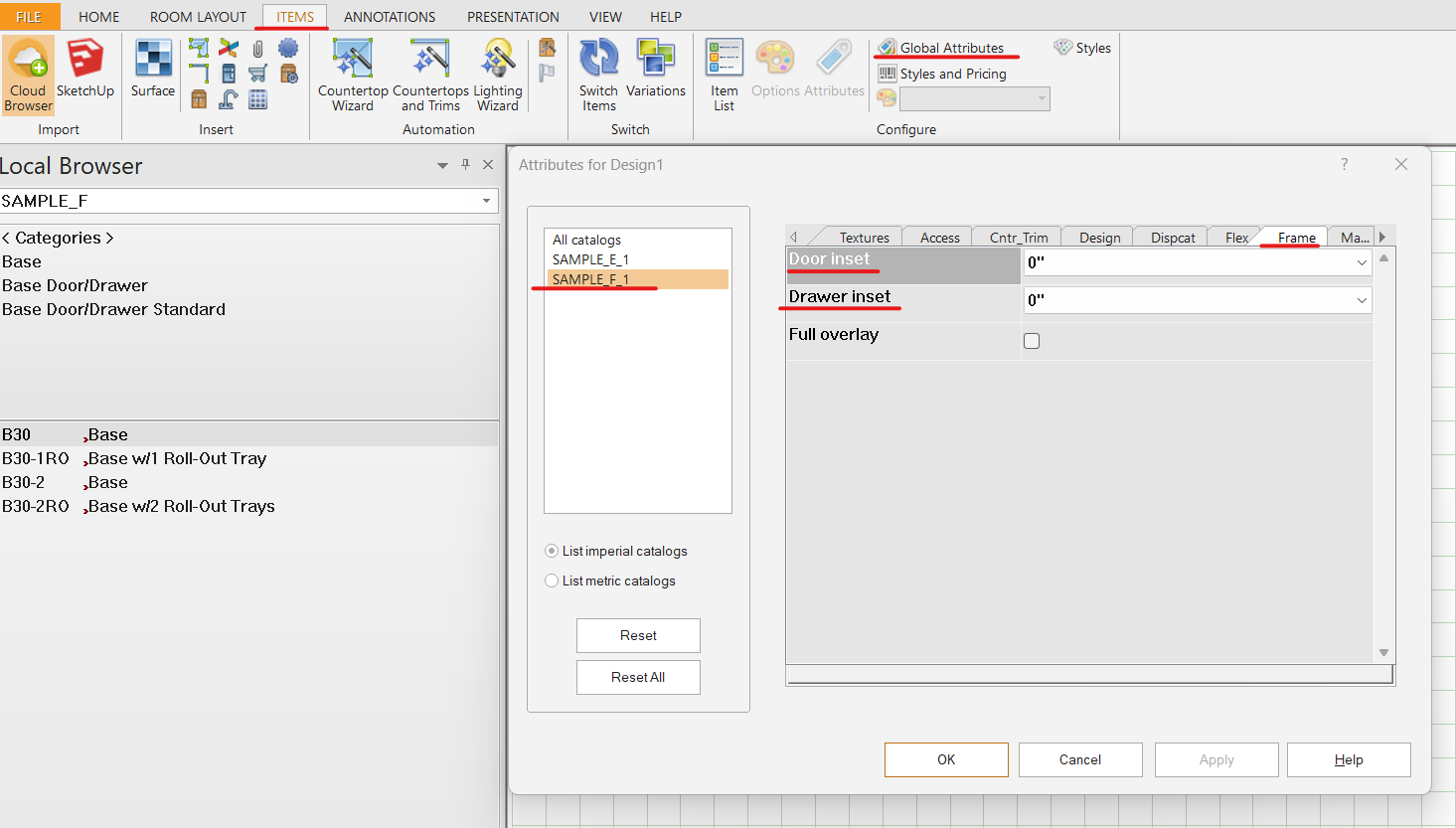
You can draw an inset door by using the SAMPLE_F catalog. Once you have your cabinetry on the floor plan, you can go to the Items tab and click on Global Attributes. In Global Attributes, select the SAPLE_F catalog on the left and then go to the Frame tab. In the Frame tab, you will have the ability to change the Door inset and Drawer inset.
Regards,
Kris