June 27, 2016 at 4:50 pm
#93740
 wagner andré
Participant
Hi,
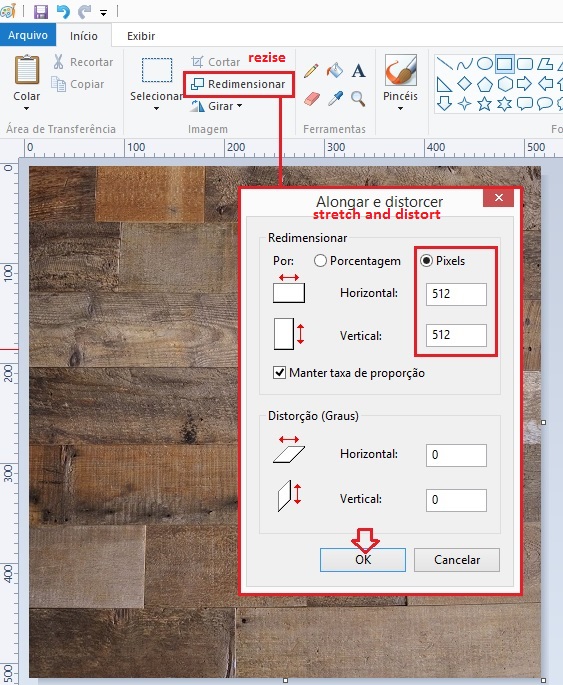
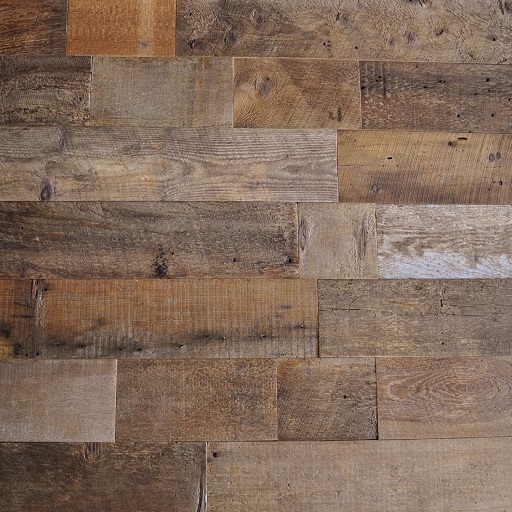
Before importing to 2020, try to turn your texture smaller and in a square resolution (512×512 pixels) or (256×256 pixels) .
– Right click on texture > open with Paint program. Choose the option “resize” > select pixels format . Following attached (steps.jpg) as process and (Textures_512x512.jpg) as result. After that try to import and sticks again.