
-
-
March 15, 2017 at 5:14 pm #121988
 Neil WilsonParticipant
Hi Richie,
Only one of the images seems to have come through but I’m not sure what you mean by export to jpg in the background. Do you have the render open and then save it as a jpg or is the render open and you are importing custom textures and the floor changes? Please clarify the situation so I can do my best to give you a hand.
Thank you
Neil -
March 17, 2017 at 8:04 am #122090
Sian R
ParticipantI’m also having this problem! Drives me mad!
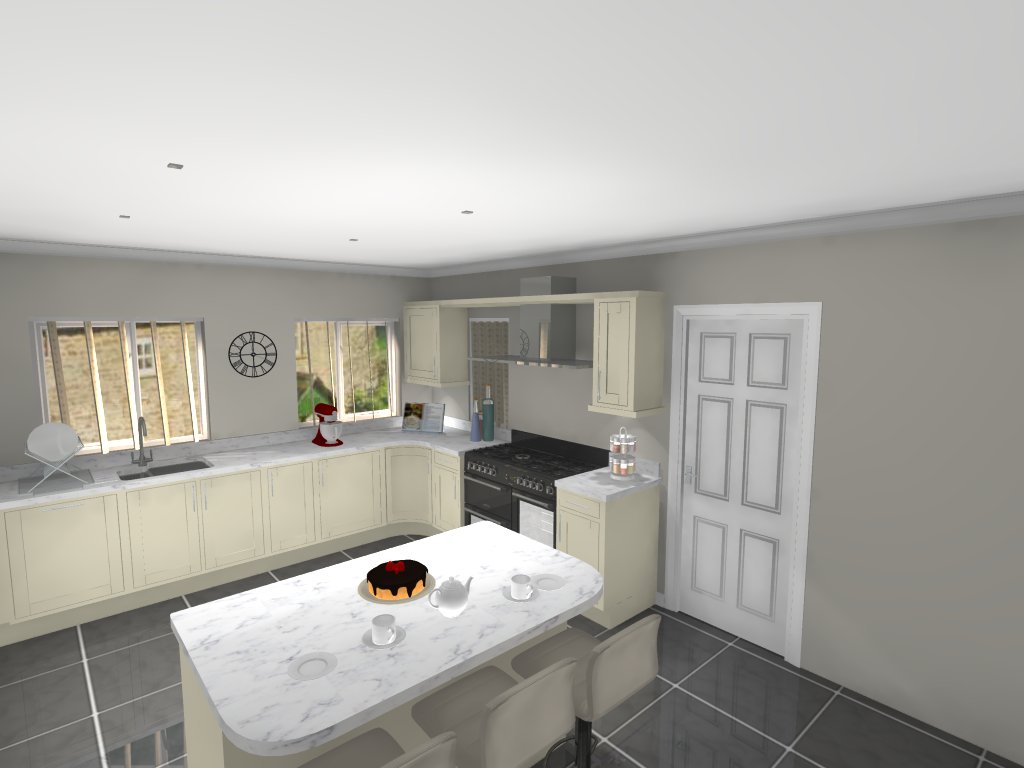
If I have used floor covering tool and choose the ‘Background Export’ option when exporting to Jpeg the flooring will reset to the default flooring.
Only way round this is to use the normal Export button but that adds a lot more time to the rendering and saving process especially if there are multiple views which there normal are.
It would be nice to know this has been recognised as a problem/bug and a fixed rather than having use a work around.
Thanks
Siân
-
March 17, 2017 at 10:06 am #122092Neil WilsonParticipant
Hey guys,
First things first, I just figured out that you are talking about a Fusion feature not a 2020 Design feature. This is a Design forum so I apologize for my confusion.
Secondly, I have been informed by our Fusion support team (Thank you Jonathon) that the issue was in fact known and has been resolved in version 5.4.1.6 of Fusion.
Have a great weekend guys.
Neil


You must be logged in to reply to this topic.