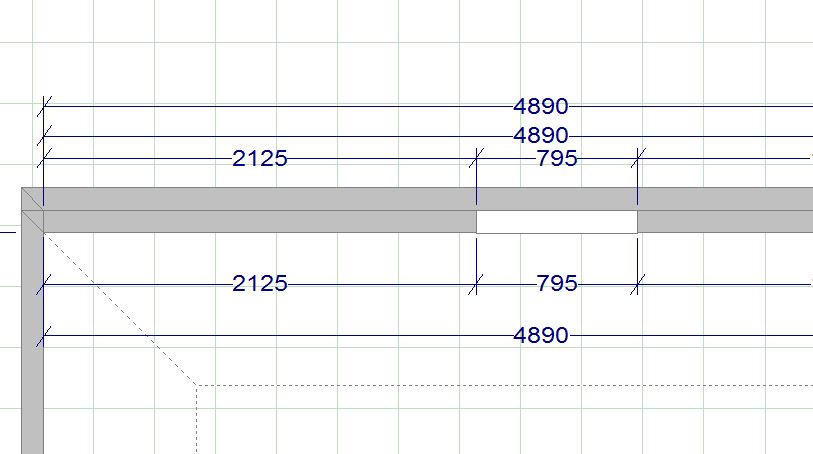
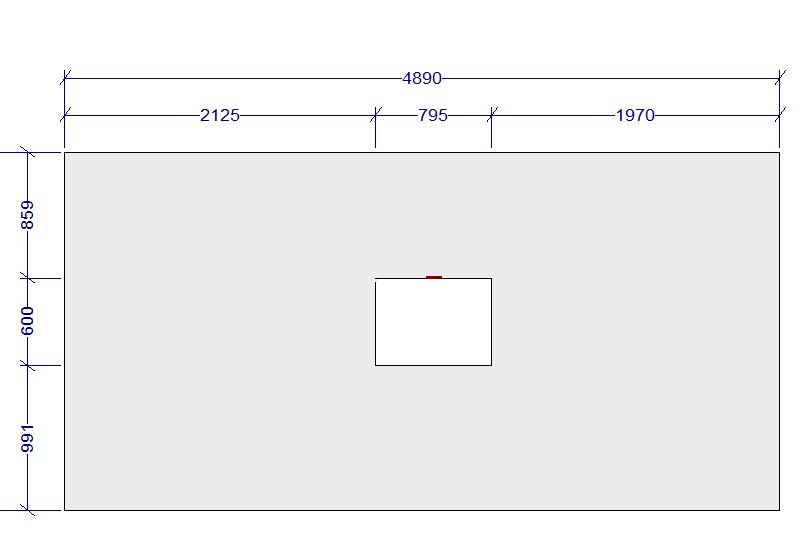
I have been using 2020 for 15+ years. However I’m just now trying to use it to the fullest capacity that its made for. With that said I am working on a job right now that has a niche. Its not to the full ceiling so to make the walls the dimension of the niche wouldn’t be accurate. I can’t seem to find the answer anywhere on here or online. I’m sure there is a way.
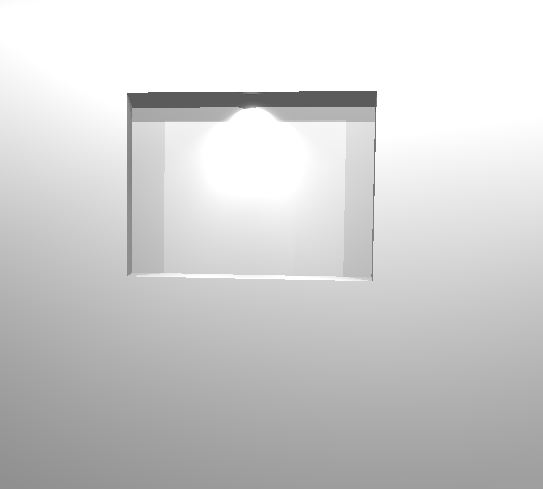
I just create a double wall and use a wall cutout/passthru in the front wall. Example attached with a light in the niche. There might be an easier way but I haven’t found it (haven’t really looked).
I use pass-through, as Mike said. I don’t use a double wall, though. I just place a surface over the niche opening, then edit in-out properties to move it to the back wall of the niche.