Hi Steven,
Any information you add to an existing elevation will only remain if you keep the elevation open. If you delete the elevation, then you are also deleting all the information you have added to it.
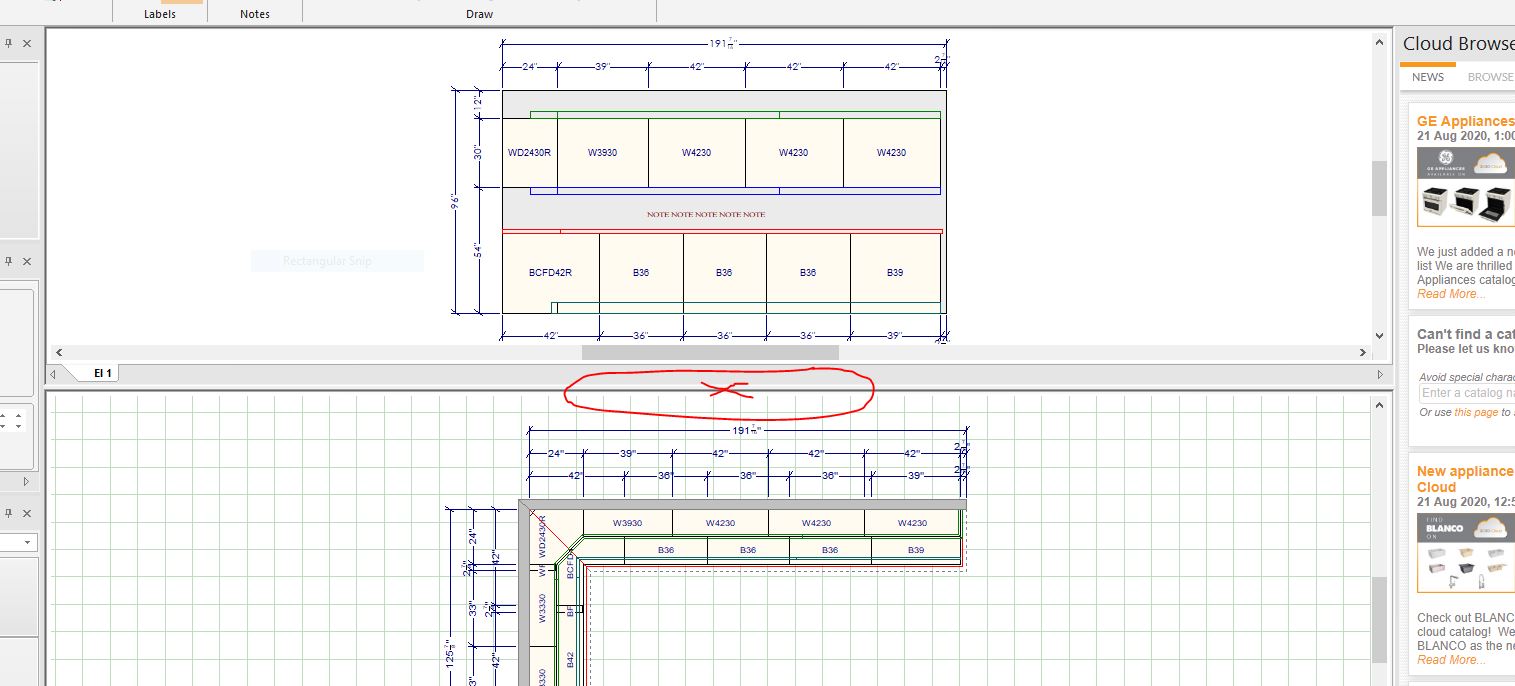
What I would recommend doing instead of deleting the elevation is put your mouse on the bottom of the elevation line. This will change your mouse into a cursor with two arrowheads, one pointing up and the other pointing down. Once you see your mouse turn into this, you can left click and hold the mouse and then move the elevation up to make it smaller. – See attached image.
Regards,
Kris