
-
-
July 5, 2022 at 7:17 pm #372666
 Erik TornquistParticipant
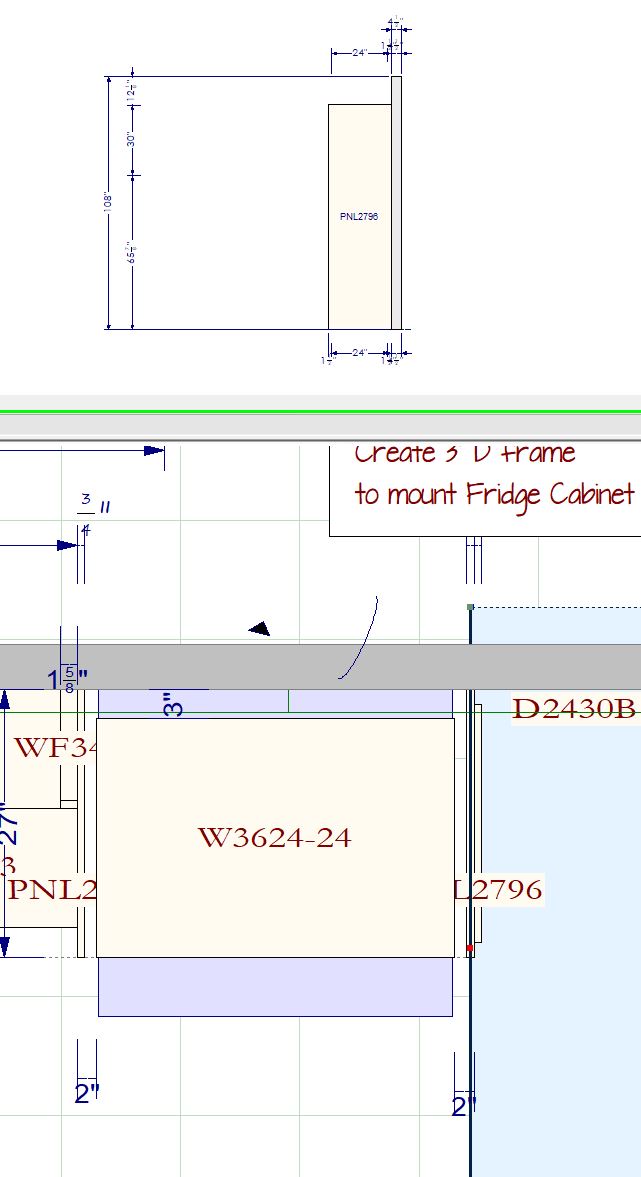
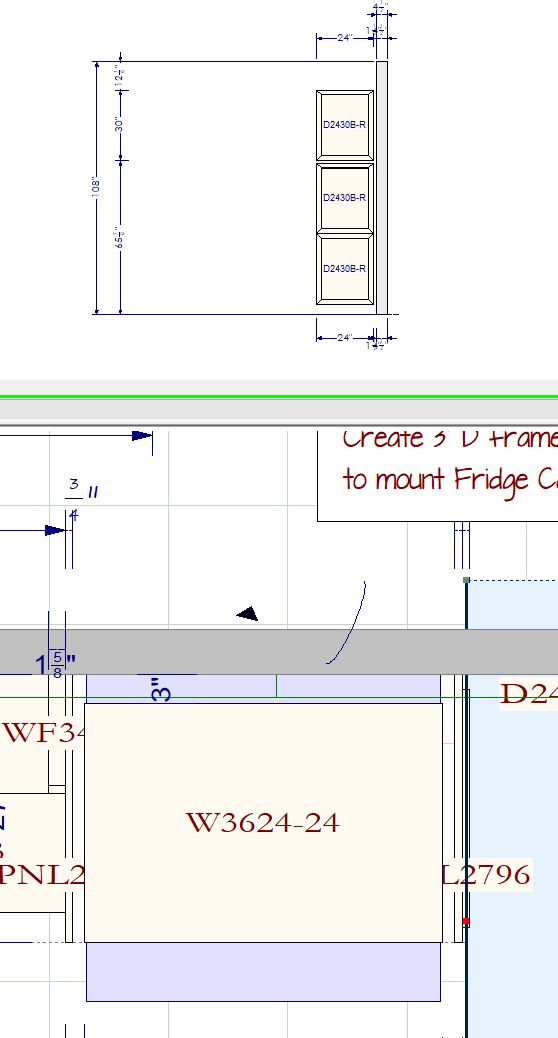
Good evening. Not sure if i’m missing any thing but the custom elevation isn’t showing items on it that it probably should.
As you can see, I created an elevation to show the side of a refrigerator panel and door ends but only the fridge & the panel on the far side of the fridge(that’s not even in the custom elevation area) show up on the elevation.
The only way I can show those panels in the elevation is if I put the black bar from the custom elevation marker on the actual panel, and even then it won’t show the door ends. Door ends will only show if I place the black bar on the door ends, which then that’s the only thing that’ll show up in the elevation.
Attachments:
-
July 6, 2022 at 2:39 pm #372781
Kristopher Papaleo
ParticipantHi Erik,
Thank you for reporting this. I tested this on my end and was able to reproduce it. I have gone ahead and reported the issue so we can have it declared as a bug. During my testing, I found that moving the panels out of the custom elevation and adding them back in can sometimes make the panels appear as intended. If that doesn’t work, then I’d suggest to use the work around you came up with.
Regards,
Kris
-
July 6, 2022 at 3:11 pm #372786Erik TornquistParticipant
Thanks for checking this out, Kris. It’s always good to know I haven’t gone crazy.
Going to check out that workaround, see if that works for me as well.
-
-


You must be logged in to reply to this topic.