Hi Susan,
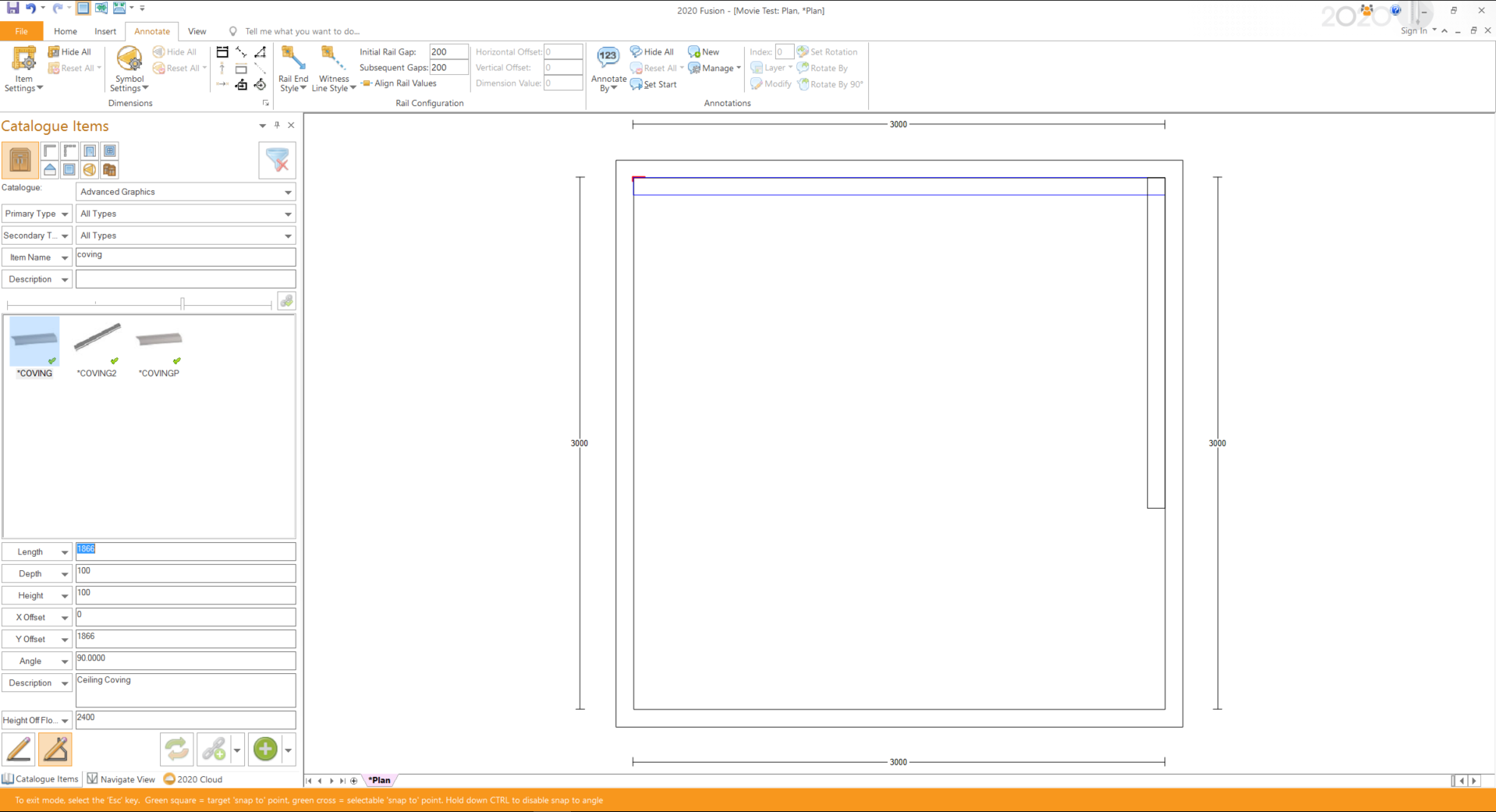
When adding mouldings in a continuous way, i find that the easiest way to add these would be to use the “Multi line Tool” which can be located at the bottom of the catalogue items window (see attached screenshot).
To add mouldings using the Multiline tool, simply select the items you want to insert, click on the multi line tool and then click once in your plan to start drawing these item in, and then you can click once again to change direction or double click to finish drawing in this item.
If you would like to discuss further, feel free to give me a call on 01233 635566
Thanks,
Ollie