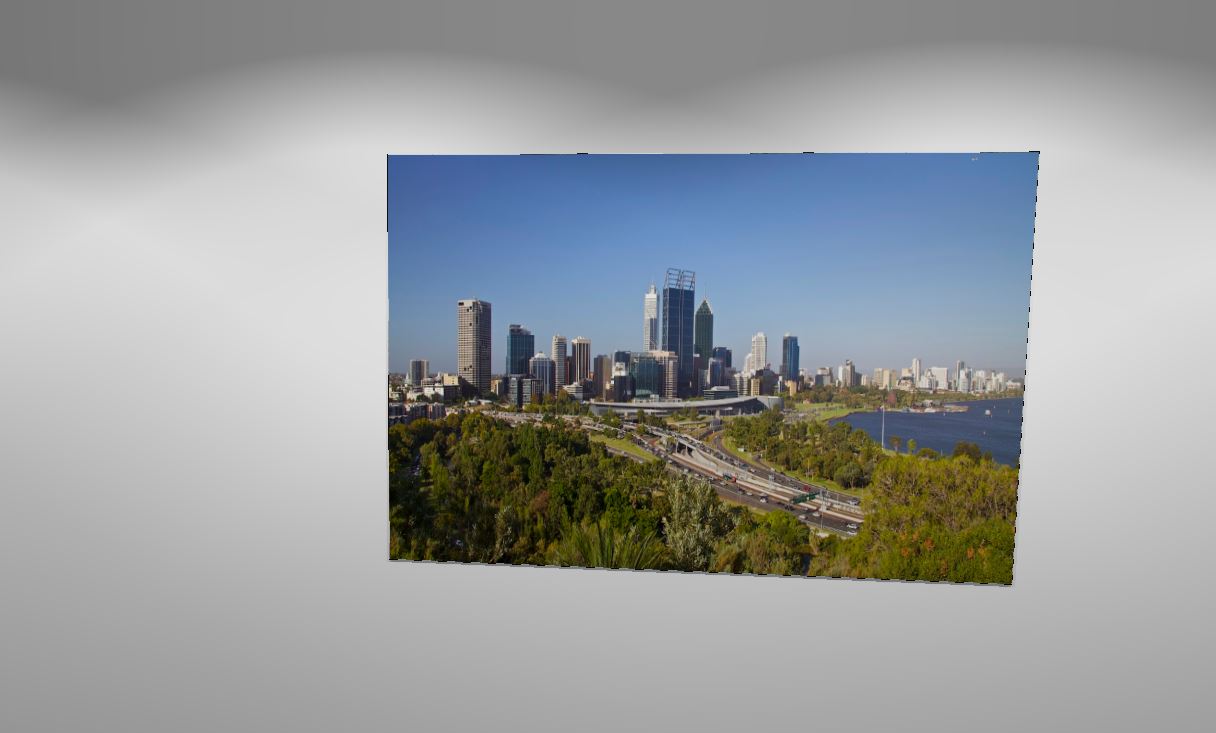
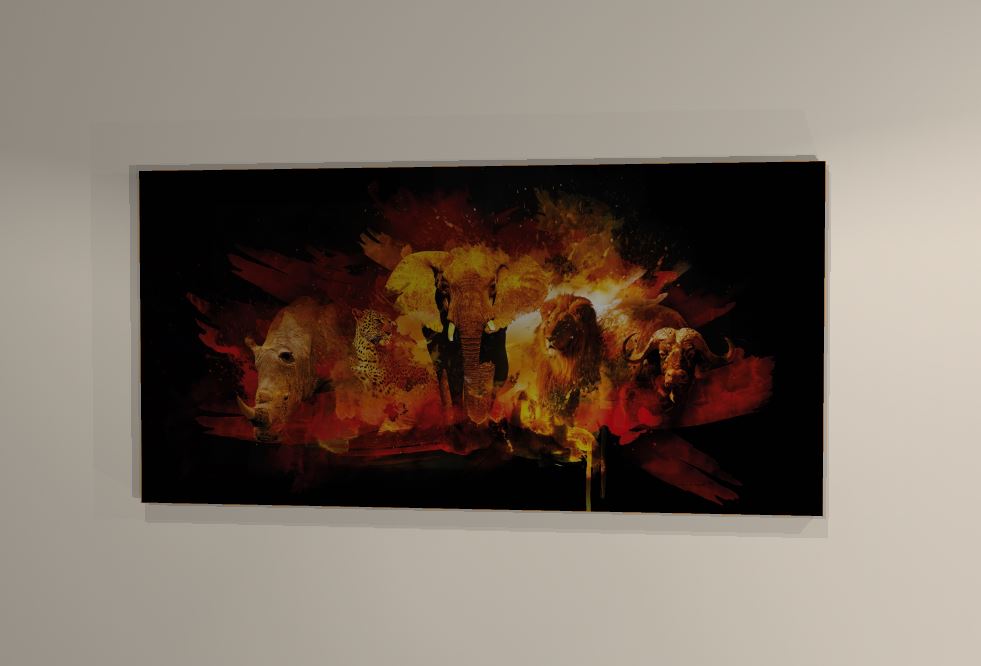
Hi All!
If I want to hang a picture or poster on a wall, with or without a frame – what is the best way?
If I use the Surface tool, the image “tiles” – even if the dimensions are EXACTLY the same. If I pull a picture or mirror out of the Cloud and just try and change the image – it either doesn’t render the change – and still shows the original painting, or it tiles the image.
Sometimes I do this for a photo on the wall, sometimes I do this (like now) to “cheat” for an OTR microwave. To limit the SketchUp items in my design, I’m cheating the Whirlpool YWML55011HS by just placing an appropriately sized cube, coloured stainless and putting a screencap/cropped image of the actual microwave face on the front of the cube.
Many thanks!
Ariana