
-
-
June 13, 2019 at 1:19 pm #240967
 Ariana ThompsonParticipant
Hey gang!
So perhaps I’m the only one – but I have found that if I save a Cloud item to my Idea Centre then pull it out to use it – OR – I grab a much loved Cloud item from another kit file and copy/paste it into another kit file I lose ALL the colour/texture. It turns a uniform cement grey colour. Why wouldn’t I just put the item from the Cloud everytime? Well, some items I have done alterations to – the size, the texture, etc – and I want to keep those changes because they took a long time.
So I decided that perhaps it was because the TEXTURES that are unique to the Cloud are brought into the kit file when you pull the item in! Right? Maybe? So when you copy/paste it from another kit file, the textures don’t…get brought? …That’s not a thing people say… don’t get… attached? You know what I mean! LOL!
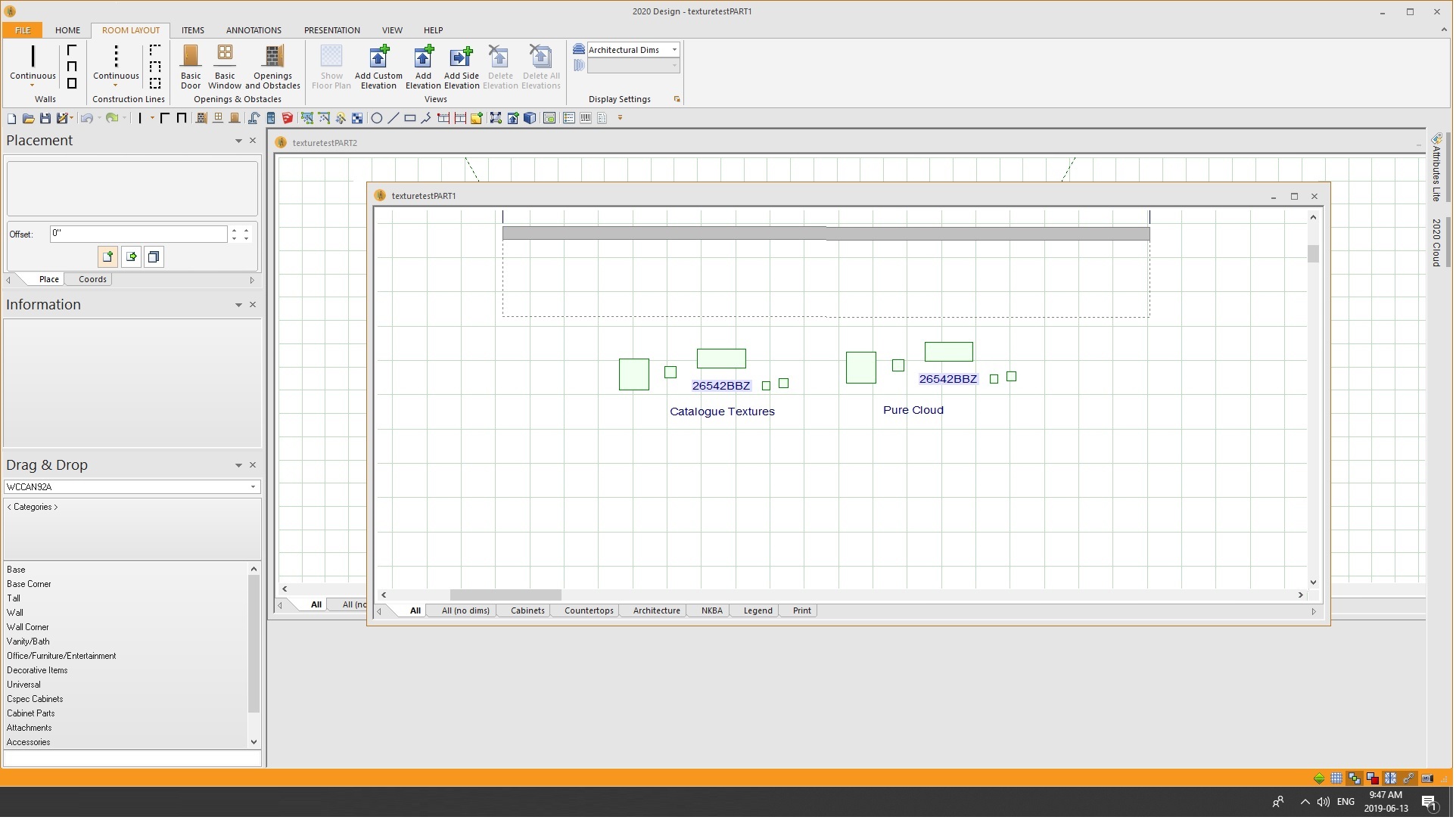
So I did an experiment: fresh new kit file. Brought in a couple of light fixtures, coffee and cake, some glasses, etc from the Cloud. Then I copy pasted all of them again – and RECOLOURED all of them using GENERIC textures from the standard 2020 Texture Catalogue. Saved. Closed the kit file. CLOSED 2020.
Reopened 2020, opened the test file and copyed ALL the stuff – pristine from the Cloud AND the recoloured stuff. Closed that kit file. Fresh New kit file: pasted the stuff to the new kit file.
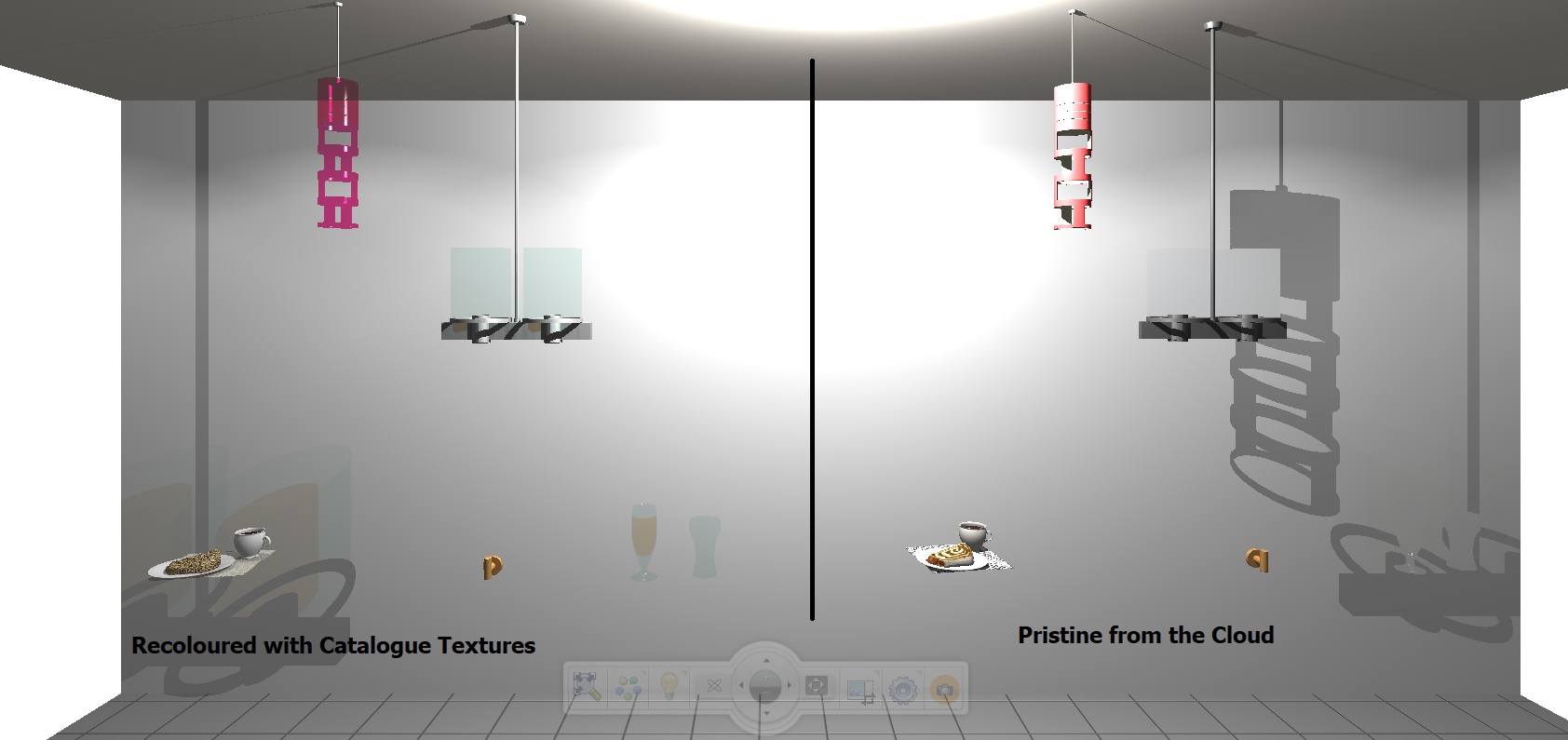
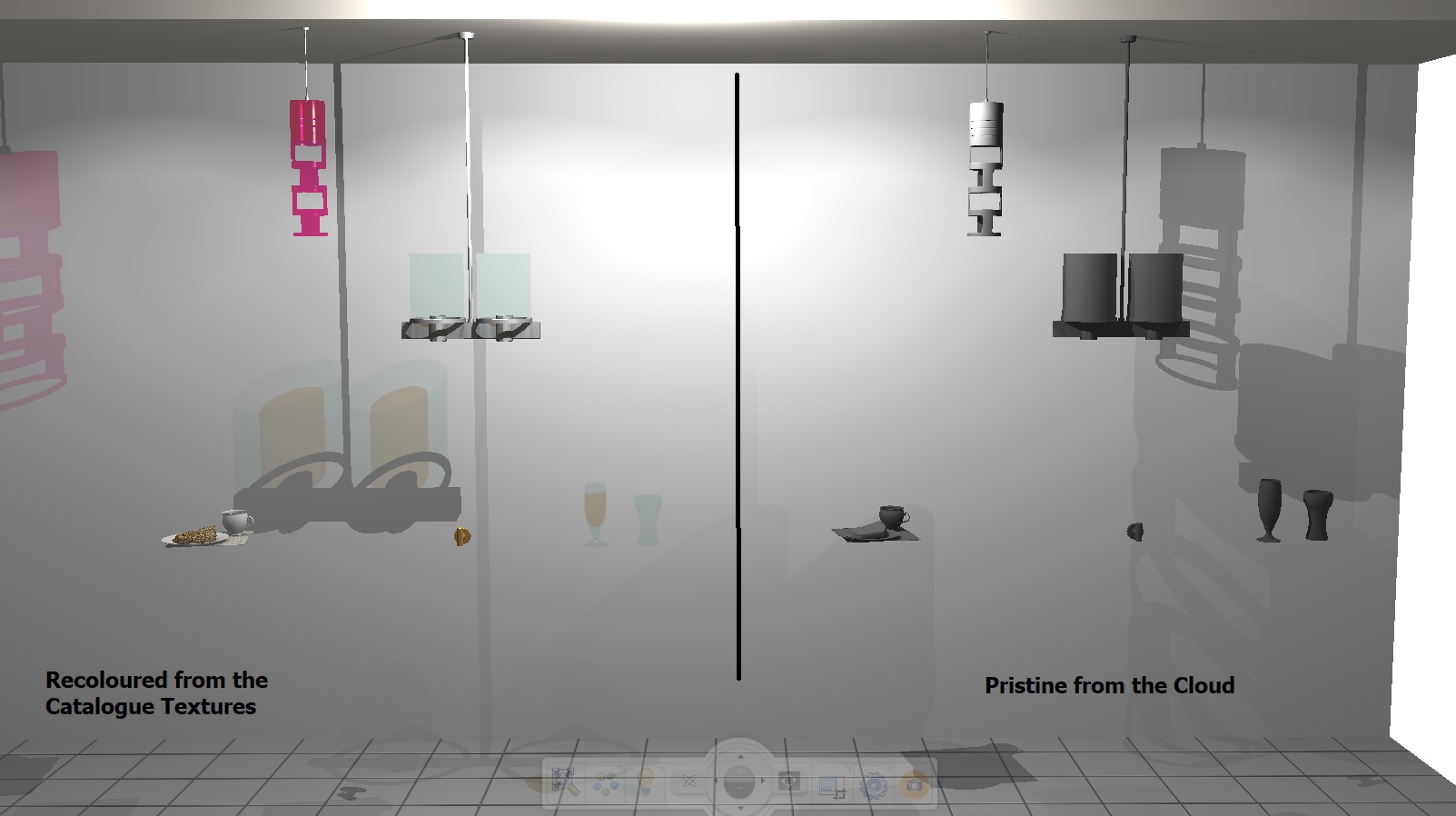
SURE ENOUGH! All the items that were pristine from the Cloud were now grey – and all the stuff I had recoloured from the generic texture catalogue were still fine!
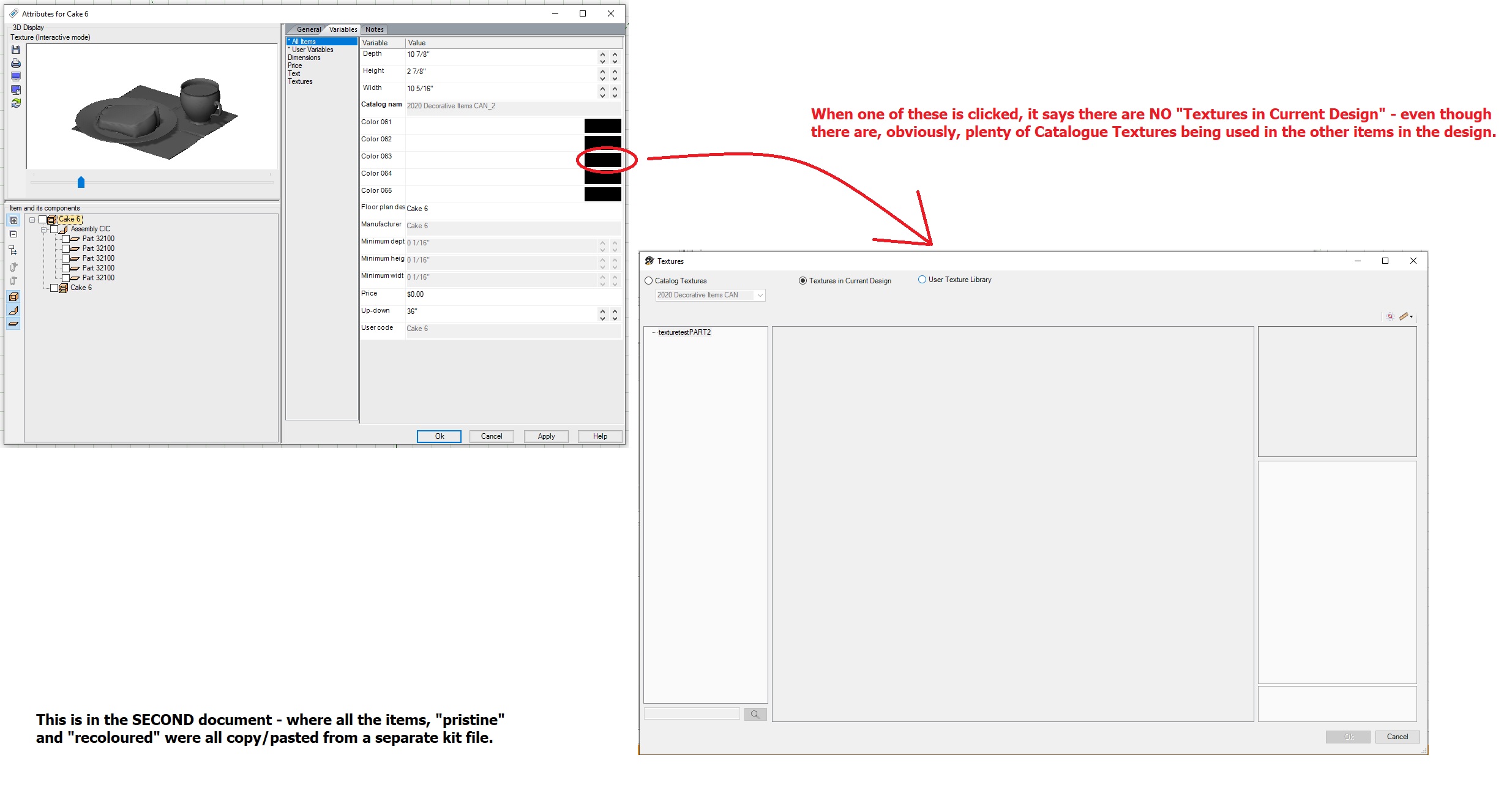
Not only that, but the greyed out items’ textures COULD NOT BE FIXED – while the items that had been recoloured to generic colours were still malleable!
SO! If you are going to save a Cloud item for retrieving later, because you’ve customized it somehow – recolour it in generic textures FIRST – that will ensure it remains coloured and those colours remain changeable!
At least that’s what it looks like for me!
Pics below!
Ariana
-
You must be logged in to reply to this topic.