
-
-
December 20, 2021 at 4:44 am #353412
Volodymyr Yermolenko
ParticipantHello!
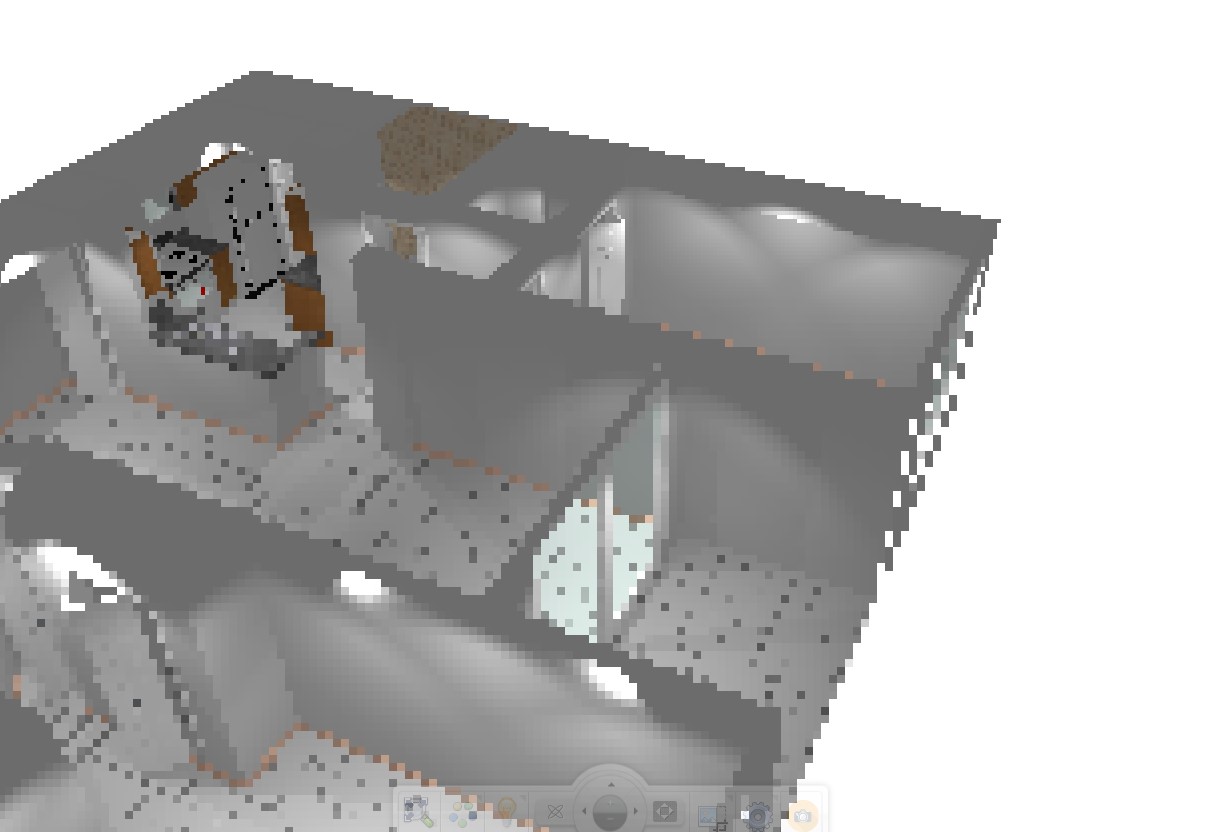
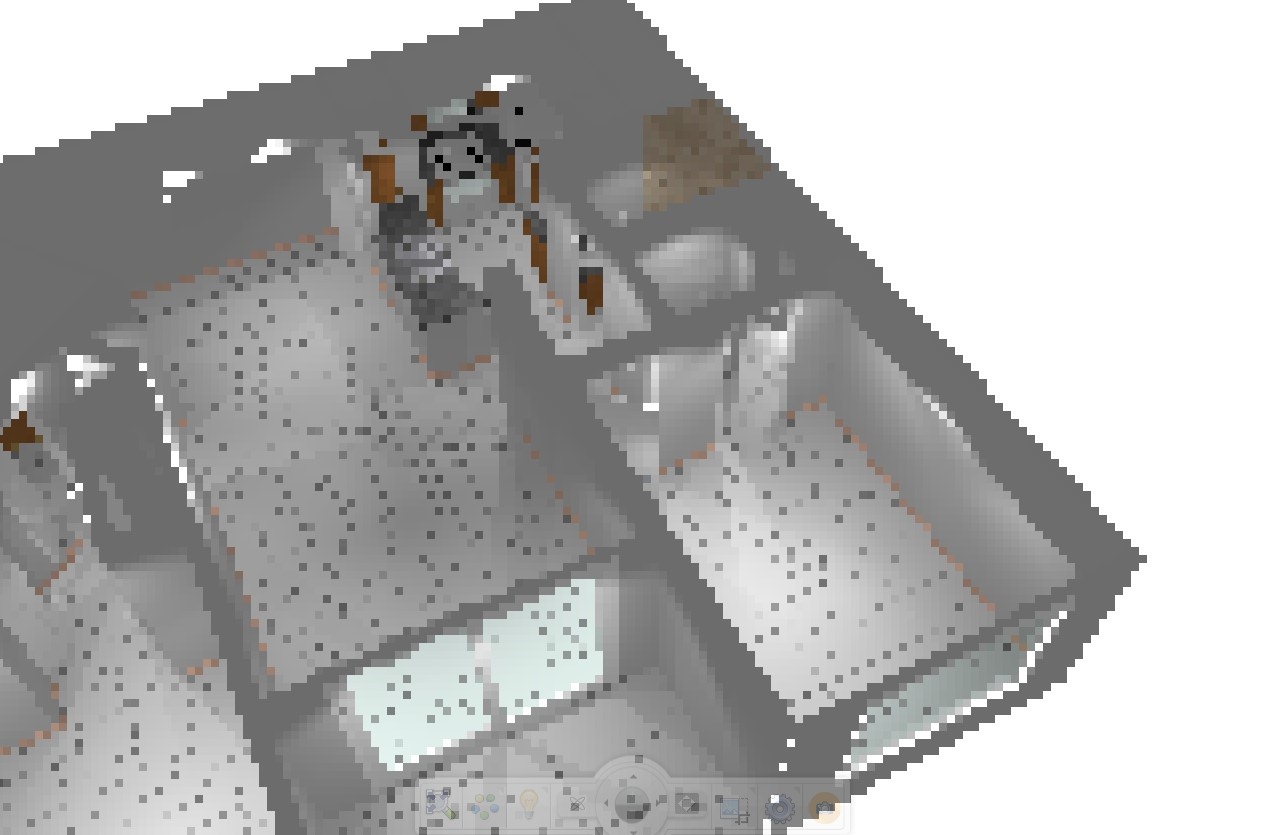
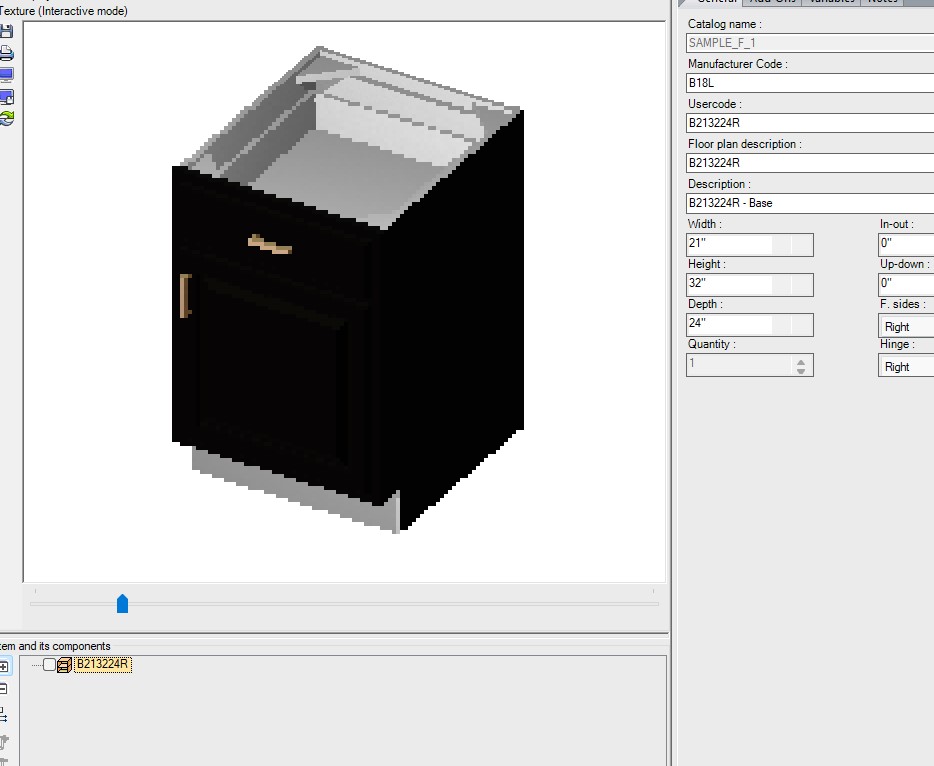
I’m having problems with the 2020 Rendering Module in the program. The 3d view in the Rendering module windows works really slow, so I’m not able to scroll and zoom normally. The image is terribly jagged. Also, when I insert standard doors, windows, cabinets, or, for example, household appliances, the preview image in the attributes is also jagged, the colors are changed, and the program often crashes when I try to change element attributes. Same for any model, even the newly created ones. The CPU is highly loaded when the Rendering module is open, while the GPU load is less than 1% (in case if it means something). Previously, there were no such problems with the program. There was no change in my computer configuration or installed apps. Everything worked fine on Friday evening and went completely wrong on Saturday morning.
To solve the problem, I’ve tried to reinstall the program (installed the new 13th version of the program instead of the 12th I had used before), as well as the drivers, update windows, reset registry and settings using 2020’s Maintenance tool. This didn’t fix anything. All other programs on my PC are working fine. My config is: Win 11, Ryzen 4650g, 32Gb RAM, the app installed on SSD. As I said before, everything was working fine on the same config without any changes until Saturday morning. It even worked fine, when I had a weaker config (i5 4460s with Intel HD4600 and 16Gb RAM). Please help me to solve this problem. Thanks for your help in advance! -
December 20, 2021 at 7:05 am #353440
 Robin HernonParticipant
Hello there,
I would bet that one or both of these things are happening- number one- I would bet you have an on-board graphics card as well as an add on card- probably AMD Radeon something or another. That’s problem number one. So, go to your device manager on your control panel and disable your add on card. Number two is that all of your monitors are probably not plugged in to the same display ports. What I mean by that, is that there are ports in the back of the tower that go to the on-board card, and parts that go to the add on card. Be sure to plug all monitors into the on-board card. Now- you can re-enable the add on card, and your 2020 should work much better. I don’t know that you need to disable it for any amount of time, but I know that when I disabled it and did the monitor thing, mine worked a lot better. I have a new card on the way that is supposed to work better with the intel on-board card that my computer came with. I’m hoping that will help to make the renderings even faster and clearer. What 2020 support told me was that if you have the on-board intel card and an add on AMD, they tend to fight each other. So an upgraded card, or dual cards of the same manufacturer should solve this problem. In the meantime, this is a quick fix!
-
December 20, 2021 at 3:55 pm #353620Participant
Thanks for your suggestion! Hope this helps someone. But I am using AMD integrated GPU only, and in my case it turned out the problem was in the driver version.
-
December 20, 2021 at 11:53 am #353463
Kristopher Papaleo
ParticipantHi all,
We have noticed that for some reason older versions of the AMD drivers seem to work better with the program and avoid crashing. If your system was working perfectly fine on Friday and today is crashing, it’s possible that your AMD graphics card was updated automatically. If this is the case, you can contact our support department for assistance in downgrading back to a working driver!
If you do not have an AMD card but are still experiencing issues as those mentioned above, I would still suggest to contact our support department so we may investigate. You may contact us by calling 1.866.697.2020.
Regards,
Kris
-
December 20, 2021 at 11:58 am #353466Robin HernonParticipant
It was extremely annoying, and lost me about 7 hours of design time. 2020 support was able to roll mine back, but I still had issues. Making sure the monitors were all in one graphics card was the only way to work around it for the time being. We are getting a Nvidia card instead, it should be here this week, I probably won’t be able to get it installed and start using it until next week or the week after due to the holiday, but I’m interested to see how that changes things. Hopefully it improves drastically!
-
December 20, 2021 at 3:49 pm #353617Participant
Thanks to Kris, I found the source of the problem. Windows has updated my AMD driver to a new version (30.0.13023.1012) which evidently not working well with 2020. The previous driver (27.20.1034.6) worked well. Unfortunately, I haven’t found a way to restore the previous driver (“roll back” button in “device manager” did nothing useful) and I haven’t found a proper standalone installer of this version on the internet. But I’ve also tried few other older driver versions. And I’ve ended up using 27.20.14501.18003 version, which performs similarly to my old driver.
-
-
April 5, 2022 at 2:49 pm #362342
Matthew Bowers
ParticipantWe need to get an answer on this topic. It seems that the driver version that came out 12/3/2021 from AMD is where the issue started for me on the RX570 video card, but it seems to only be getting worse as well on AMD APU’s.
-
April 6, 2022 at 8:49 am #362343Robin HernonParticipant
For us, the answer was to either bypass that AMD card completely, and just plug into the ports that only access the onboard card, which is slightly slower, but actually renders….we have an intel onboard card-so for us, that was an option. For myself, we just upgraded the whole PC to an NVIDIA card. The NVIDIA seemed to make a huge difference.
-
-



You must be logged in to reply to this topic.