
-
-
May 11, 2020 at 3:34 am #281423
Anvar Bakhtiyarov
ParticipantHello,
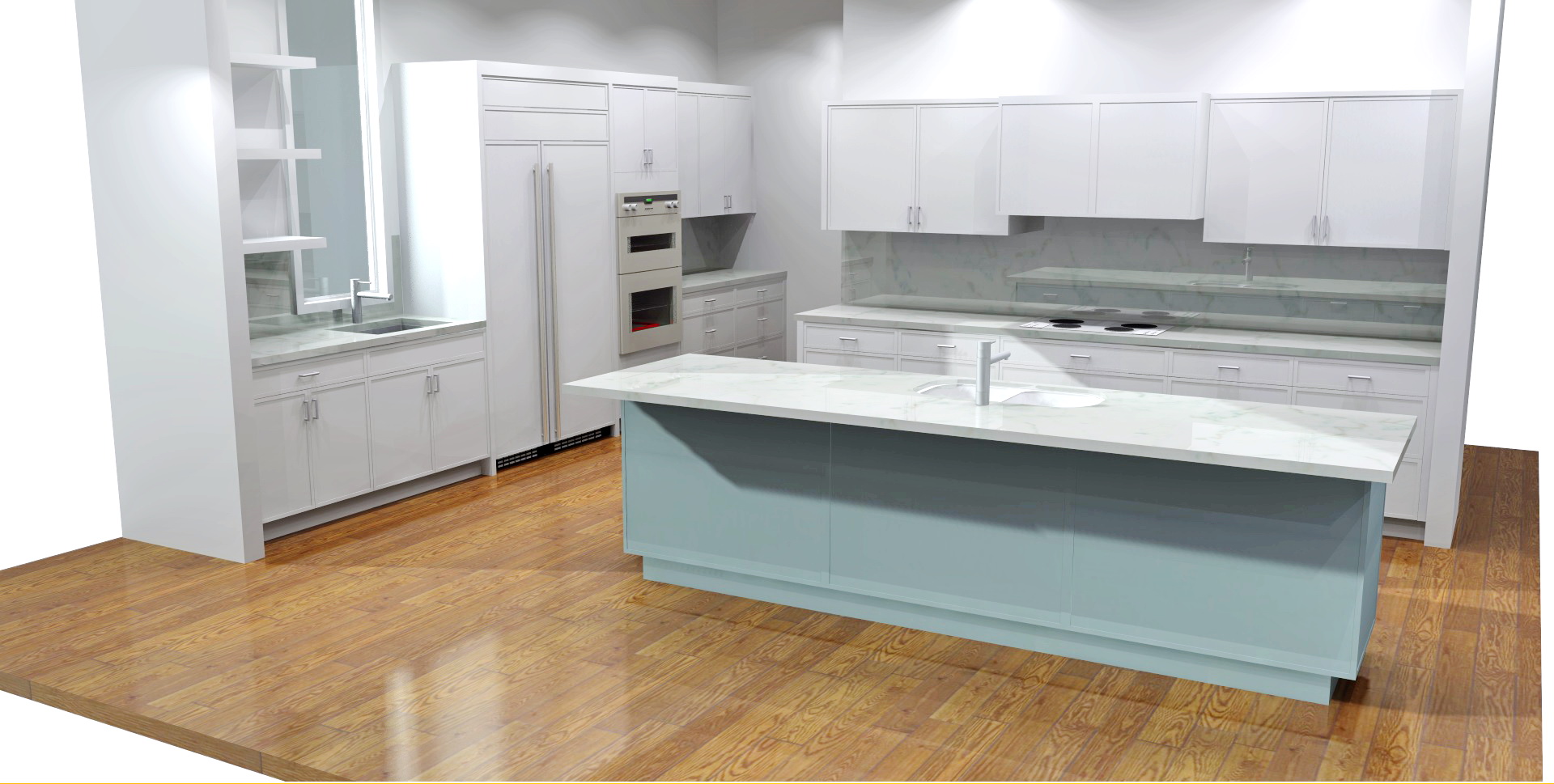
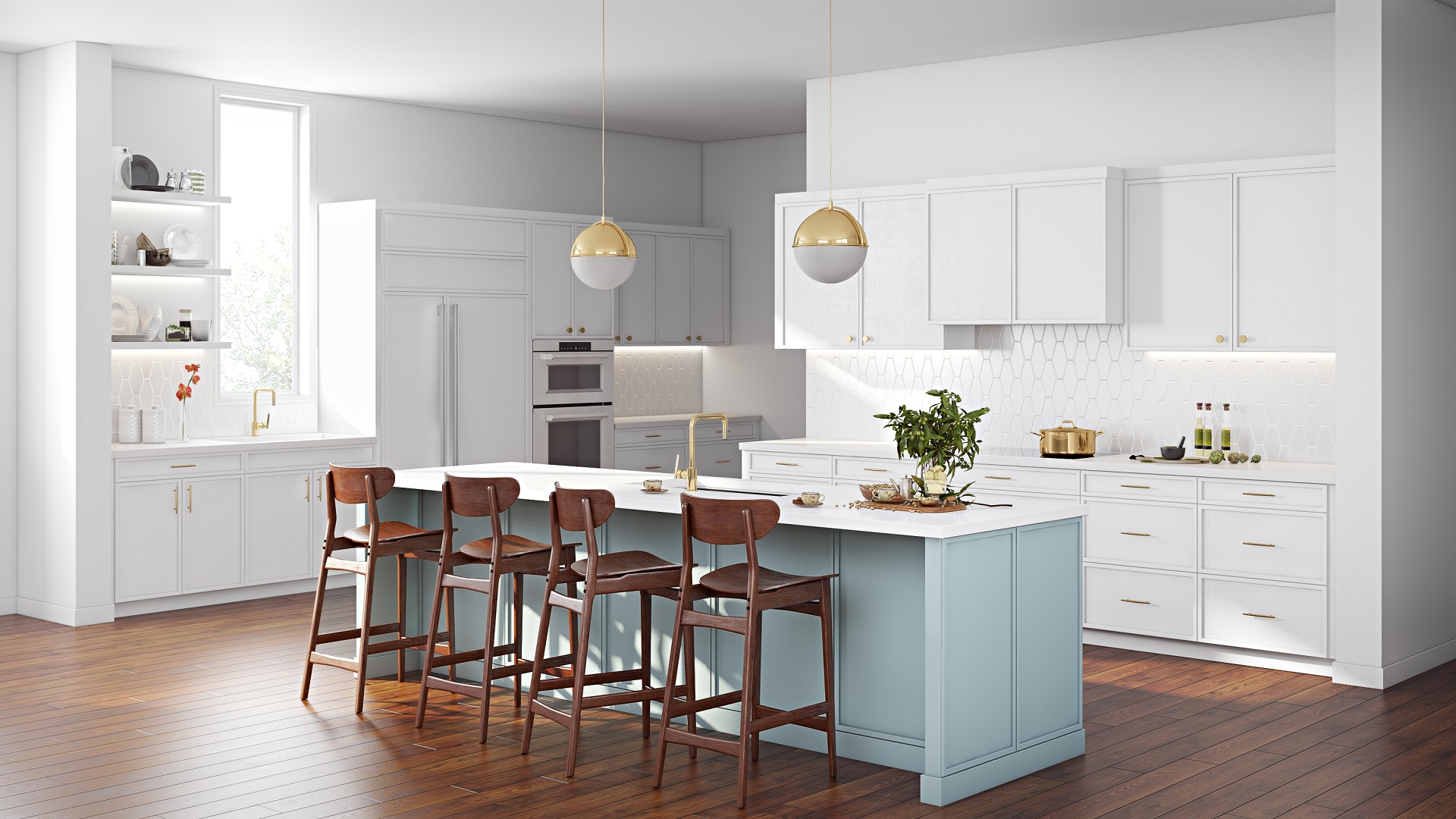
I have attached two renders of the same kitchen below. Revisions are different though it is obvious Autocad picture is looking way better.
The first one is done in Autocad. The second one is in 2020.
In 2020 one I’ve added a sun and spotlights into the design.
Do you have any tricks to make the 2020 picture look as good as Autocad one?
Attachments:
-
May 11, 2020 at 3:39 am #281433Participant
I am reattaching Autocad file
Attachments:
-
May 11, 2020 at 5:15 pm #281688
Kristopher Papaleo
ParticipantHey Anvar,
There are certain things you can do to make your design look better such as taking advantage of the High Quality Renderings that the program can produce. In the type of design you have (first image) I can tell that the sun you have placed in the design is not being used to its fullest potential. You can move the sun to be in front of the window so that its light comes through the window, reflecting on the counter top or the floor (depending how you set it up). I can also see that there is a lot of light coming in from the window, HERE is an article that can help you out with that.
You can also try using the Omnidirectional Light Source from within the program. you can find it in the ROOM_FUR > Lighting Fixtures > Light Sources.
Kris
-
May 15, 2020 at 10:32 am #281796
 Mike LangensiepenPilot Pro
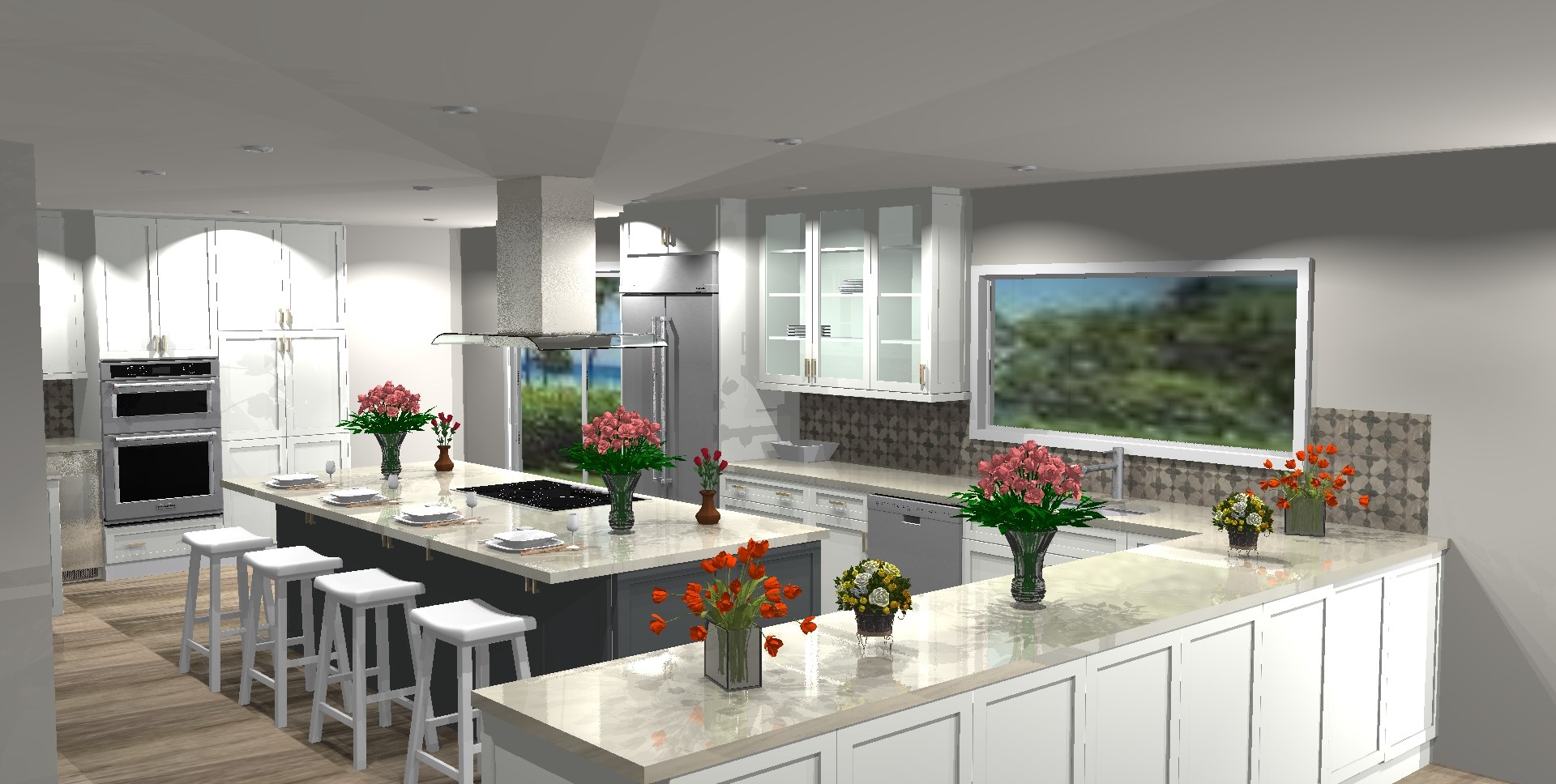
Hi Anvar, you can get a lot of help on getting the best out of 2020 renders in the independent facebook forum (https://www.facebook.com/groups/2020PUG/) and 2020 can certainly produce some amazing renders. I’ve attached one that was recently posted. Also have a look at Tony Johnson’s website: https://www.kdpdesigners.com/gallery/
-


You must be logged in to reply to this topic.