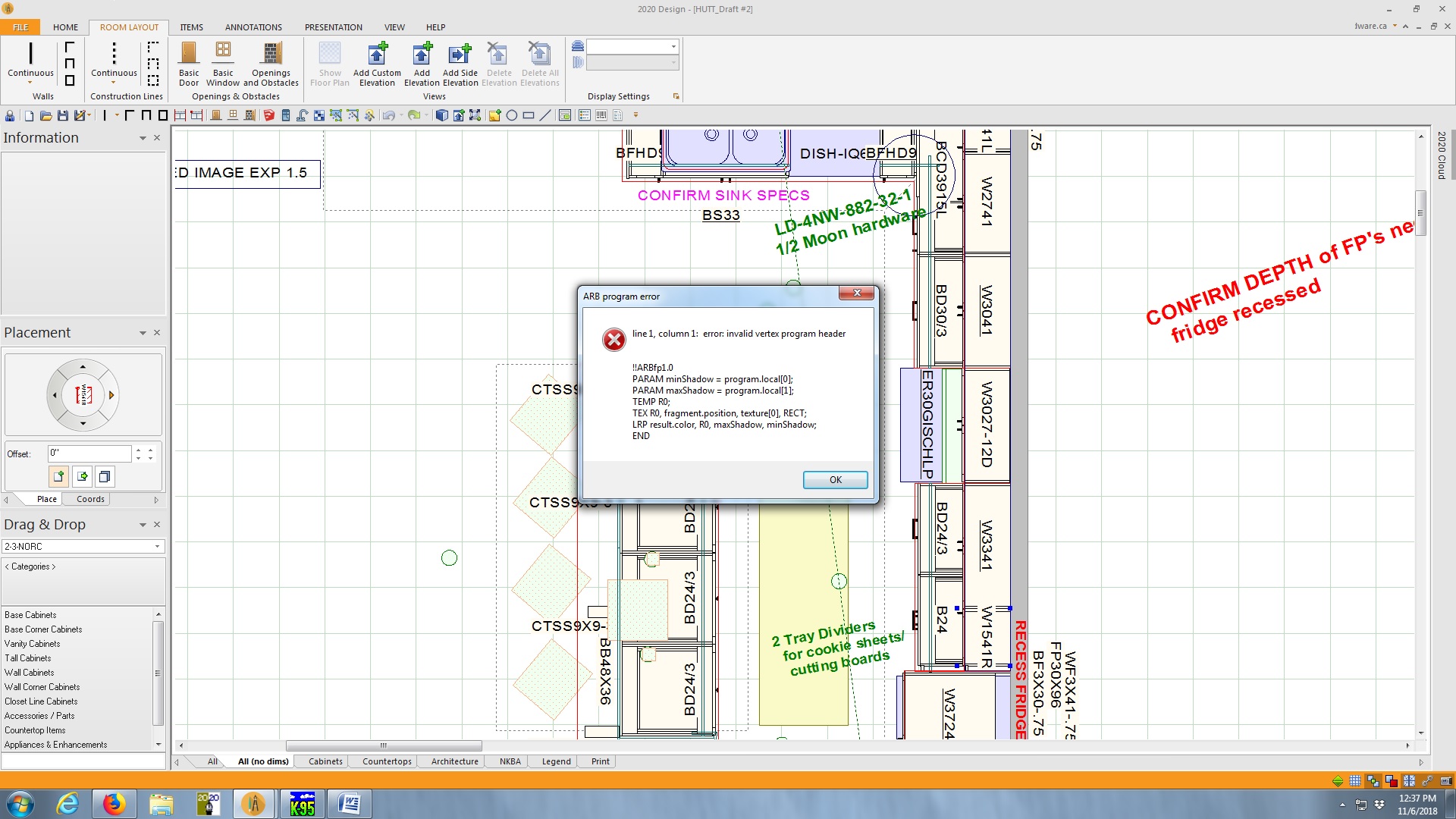
Hey gang! This has never happened to me before!
Everything was behaving fine. Then the client decided they wanted the base cabs in a different colour. For each cabinet I clicked to highlight, then looked up that cab in the secondary catalogue and choose “Replace” (I prefer that to the Switch Items function).
NOW, whenever I right click any cabinet and choose “Attributes” (even cabinets I didn’t replace) , I get the error pop-up attached.
I have to click OK over and over – like 8 times to get rid of it.
What did I do??
Many thanks in advance~
Ariana