 Mike Langensiepen
This question was asked in another forum as well but I’ll re-itererate some of the comments here as some may find it handy – there are a LOT of Sketchup items that are just not available in the Cloud catalogue.
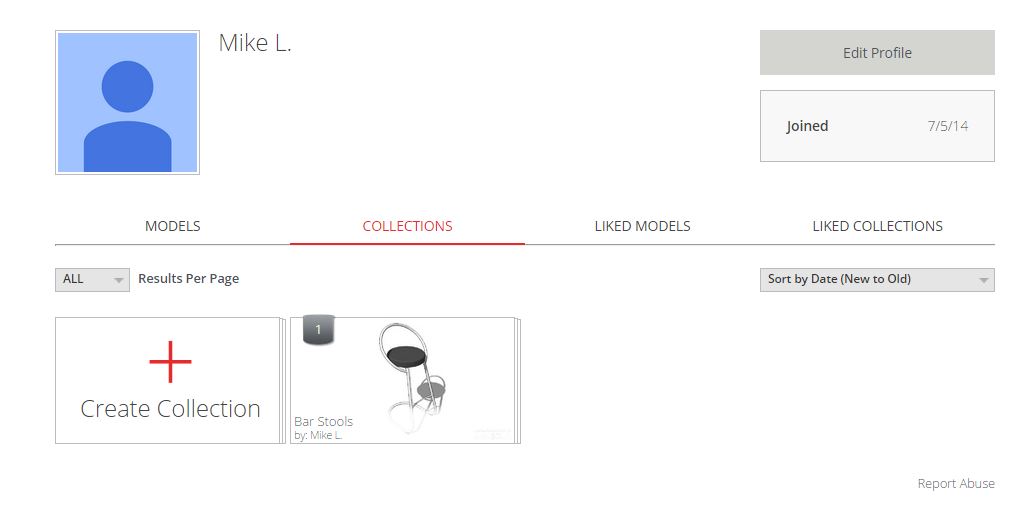
Sketchup Warehouse allows the building of Collections which can be shared. I recommend doing this in a normal browser as it is a lot quicker. However, it is not enough to simply drag items to your Warehouse collection as if they are removed from Warehouse they can also disappear from your collection. It is very handy that 2020 allows you to log into the Warehouse from the import screen as this allows you access to your Warehouse Collections.
However, I recommend downloading ALL Sketchup items that you are interested in and organising them in a local folder (or shared folder if you have a network shared drive). This way, they are ALWAYS available even if deleted off Warehouse.
Once you have your collection organised on your local hard disk, simply sign into Warehouse (free) and upload them into your collections. This ensures that if you are working away from the office, you still have access to your Sketchup items. Also, doing this avoids the issue where (if the Sketchup item has been ‘dragged’ from Warehouse), if the original creatore removes it, it might disappear from your collection. Downloading then re-uploading makes the item ‘yours’.
If you have lost a Sketchup item because you didn’t save it locally (& the creator has deleted it off Warehouse) BUT you have it in an existing drawing, you can copy the item to a new drawing and export it as a DXF which can then be converted back to a Sketchup item. HOWEVER, the DXF is often differently scaled to the original item. If you are familiar with Sketchup then you can rescale it yourself but if you aren’t then there are plenty of Sketchup experts on sites like FIVERR who can do it for you for just a few $$.
FIVERR experts are also a great way of getting new Sketchup items made to your exact specification. These experts can often manipulate an existing item to make it more friendly to 2020 Design – 2020 Design does not like Sketchup items that are too large (file size) or too complex.
Hope this helps. Ideally, it would be nice if 2020 had an option to build your own 2020 Cloud Collections and also had an import facility from Warehouse. This would be the ultimate icing on the cake. Neil – please take note!
Hope this helps.