April 24, 2018 at 1:09 pm
#183319
 Lauren Bullard
Participant
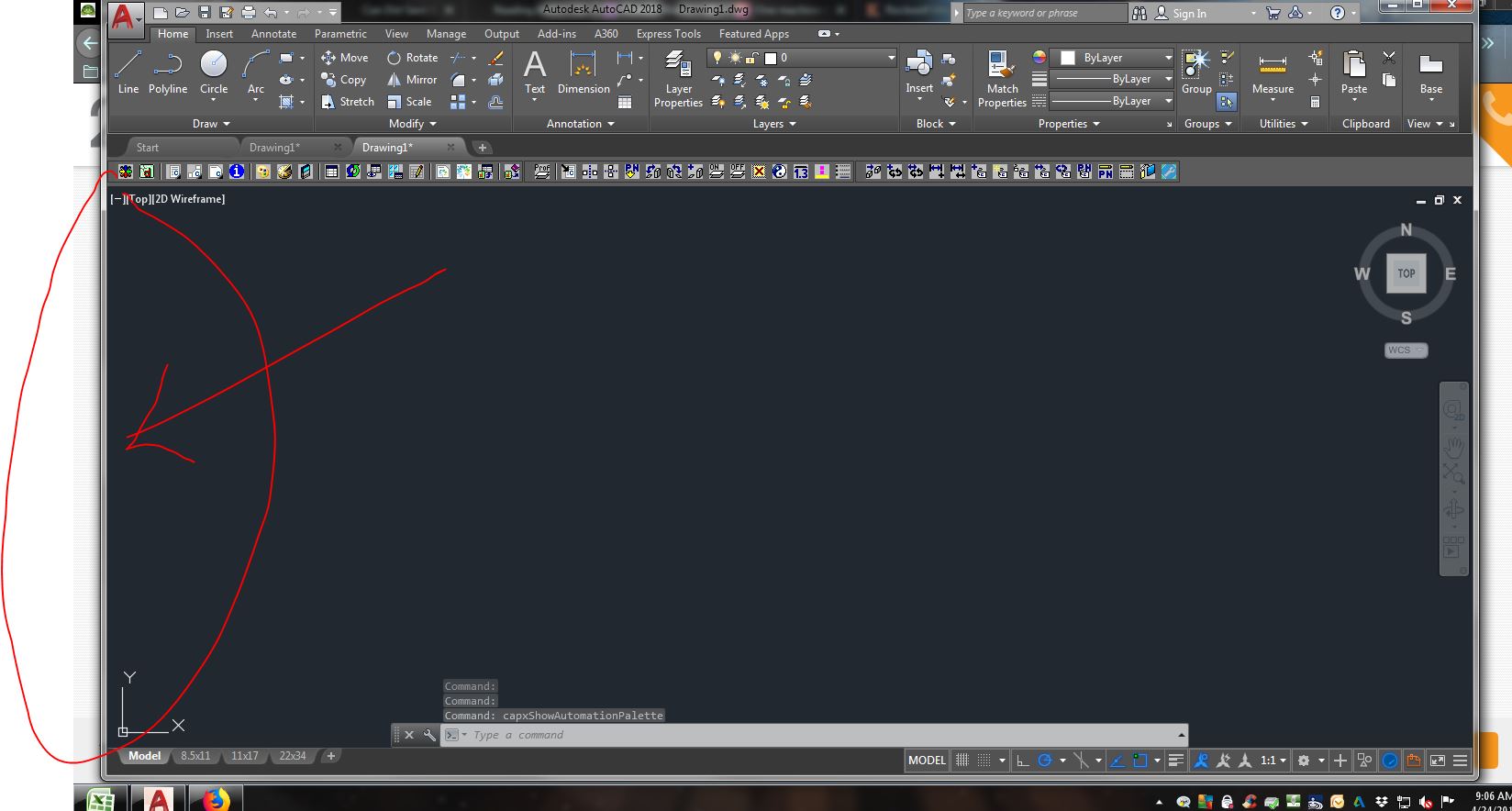
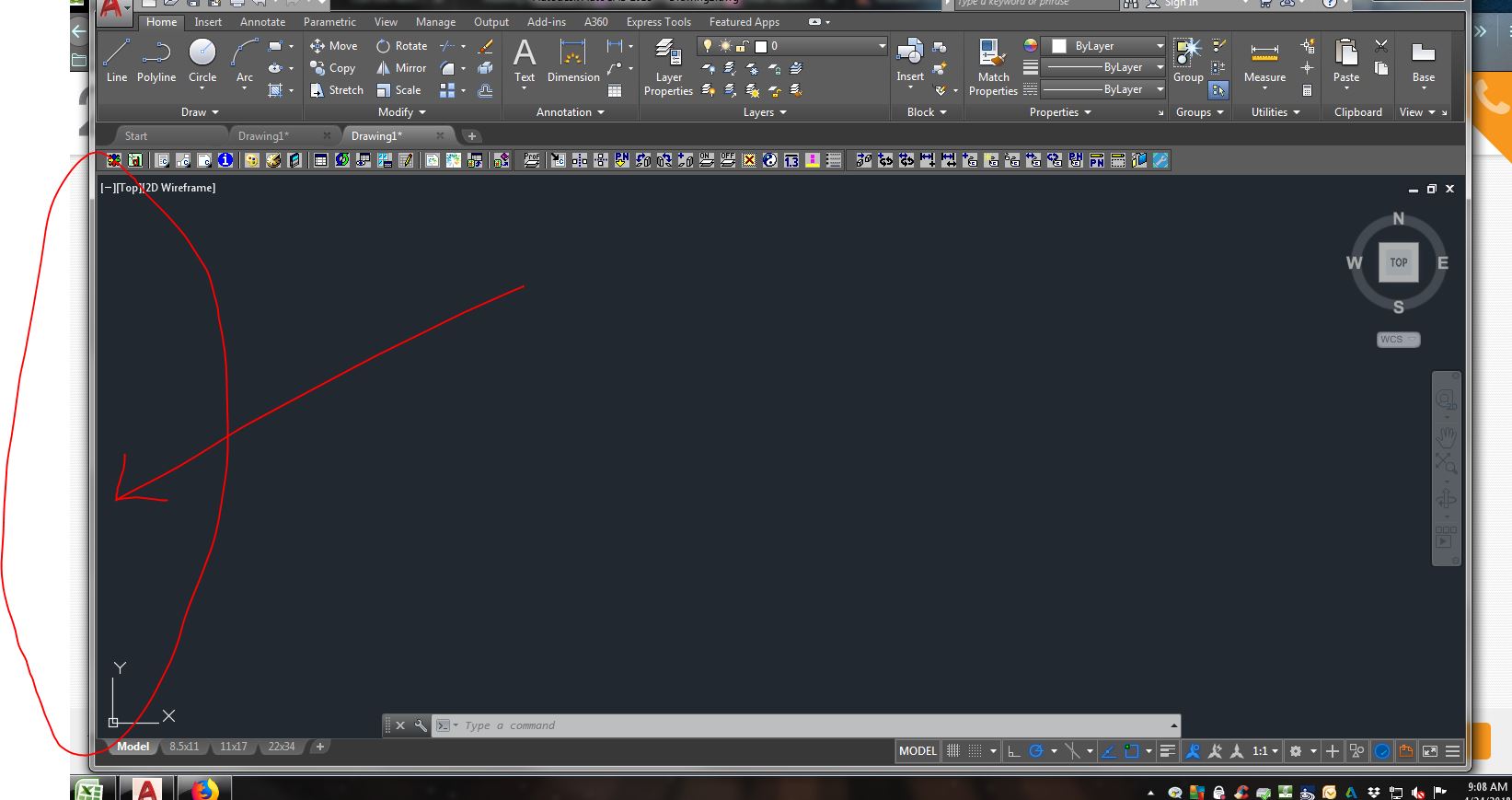
I have tried the tip suggested in your post and it does not work as stated. The double arrow that appears simply resizes my AutoCAD window. I have tried maximizing the CAD window as well, but the double headed arrow does not even show up then. I do get the sliver at the very edge of the window so it does *look* like the Automation palette open and closes. But it acts like it is part of the AutoCAD program. Please help.