June 27, 2018 at 9:49 am
#192687
 Richard
Participant
The closest I can find at the moment is:
‘Insert’
‘Non Standard’
Catalogue = “TKComponents”
Drawing Group = “Base Cabinets”
Drawing Num. = “4204” – then press ‘TAB’ key.
Enter the sizes AND WHICH HAND you want it to draw, then click ‘OK’
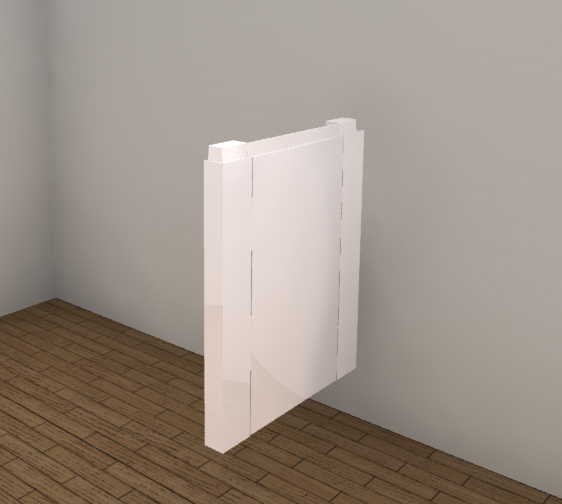
This is an island end panel with two external corner posts and a base panel between. For base unit ends, just make it deeper and push it back into the wall a bit. I will keep looking and will post if I find something better, but this should get you through for now.
Internal corner post drawing number is 4161
Hope this helps.