February 12, 2019 at 3:48 am
#226705
 Ollie Farrant
2020 Expert
Hi Leigh,
As it stands, the only way to have split/raised floor levels is to insert a box as you mentioned.
You can tile a box via the coverings feature, please follow these steps:
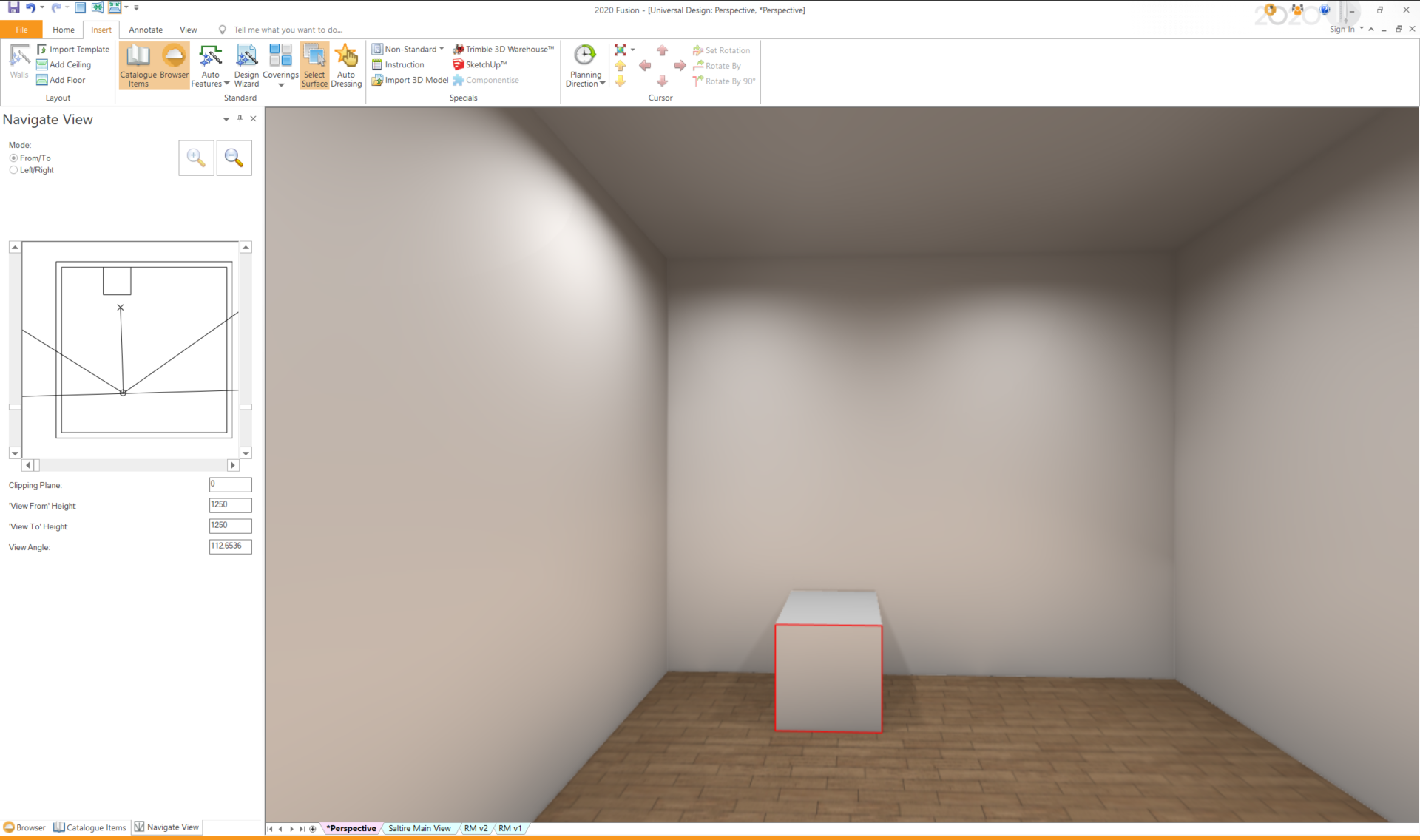
1. View Tab > Perspective
2. Insert Tab > Select Surface > Select the face of the *Box you wish to apply tile to
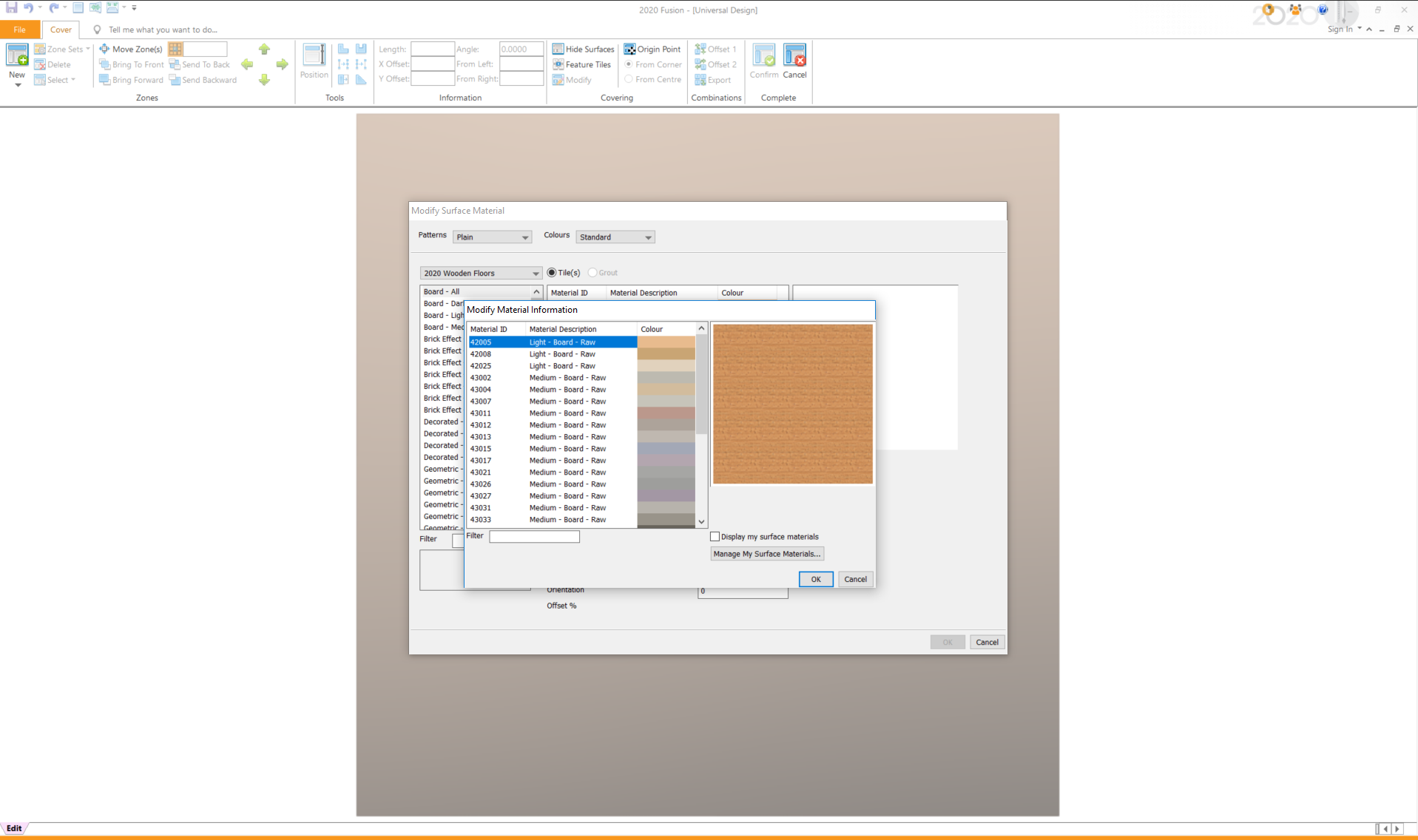
3. Insert Tab > Coverings > Item Surface
4. Within the “Modify Surface Material” screen, click Add > select your tile/material > OK > Confirm
See attached screenshots.
Thanks!