Kristopher Papaleo
Hi Chris,
After doing some testing, I have found out a bit more on how the textures are placed in the program.
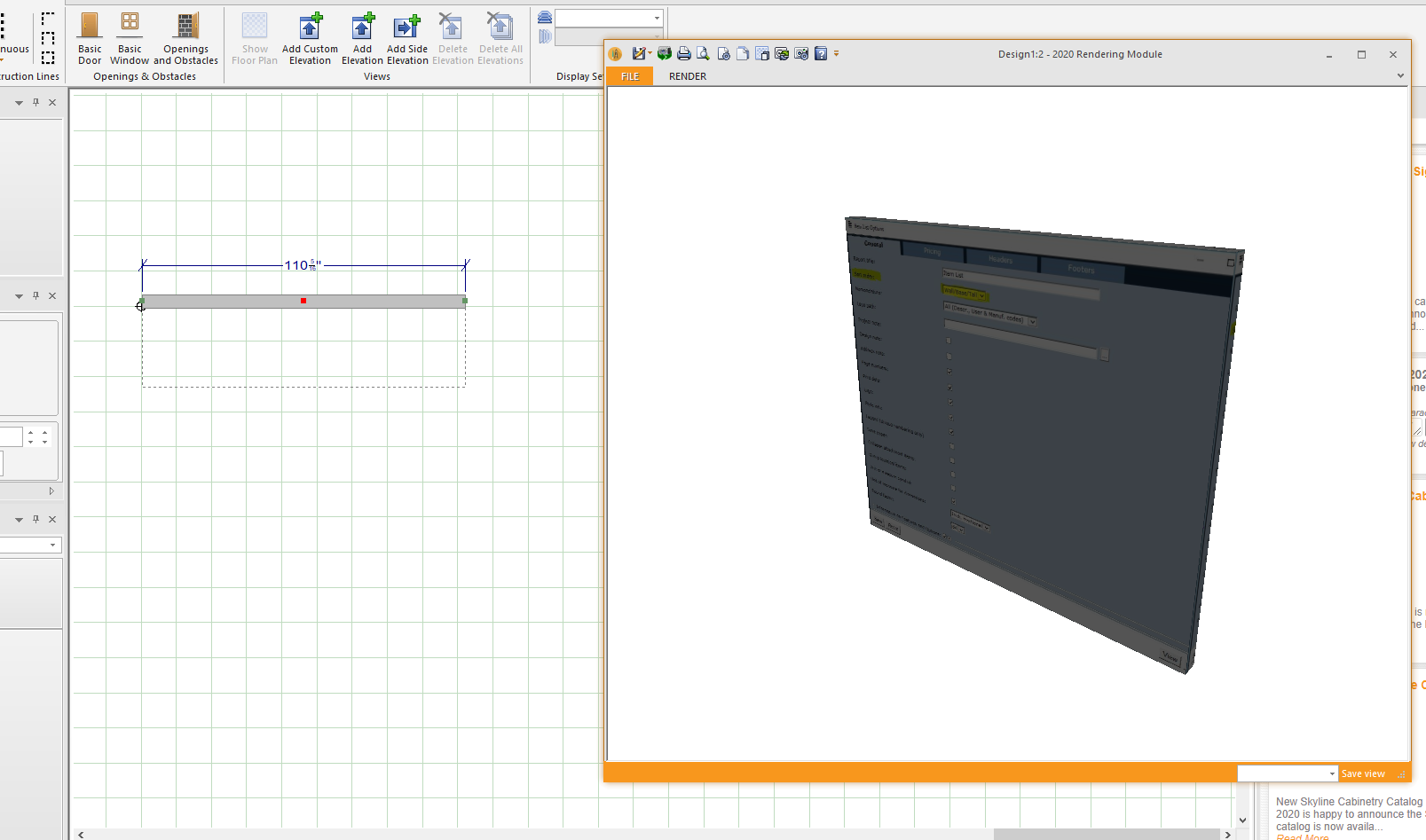
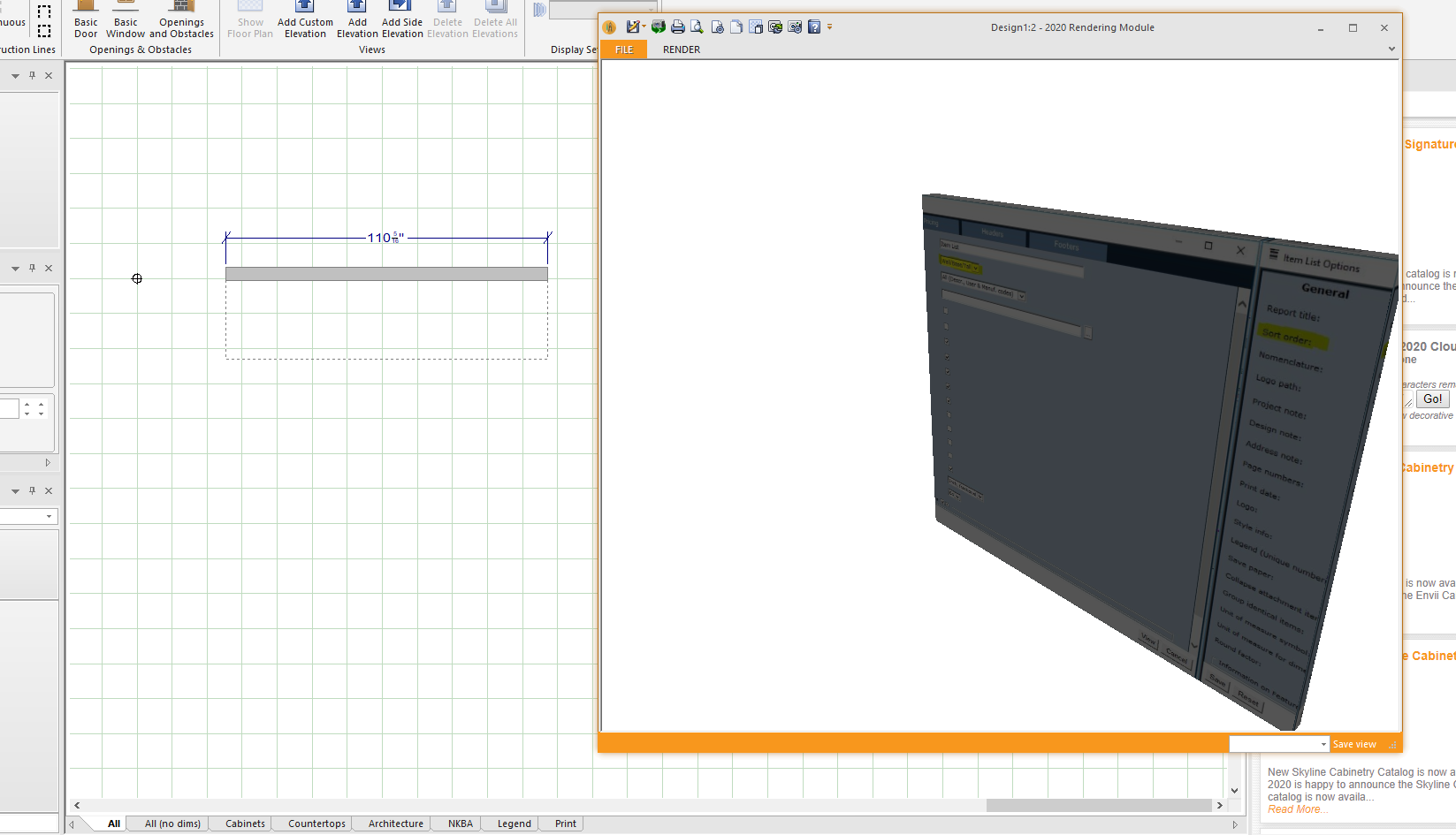
1.Walls – When using a custom texture on the walls, it will be placed depending on where the Grid Origin point is. (To find the Grids Origin Point, you have to right click on your floor plan and open the Display Settings. From there, you want to click on “Work Area” and then enable the “Display grid origin”.) For this example, I’ve used a quote as my texture on the wall. – See images below.
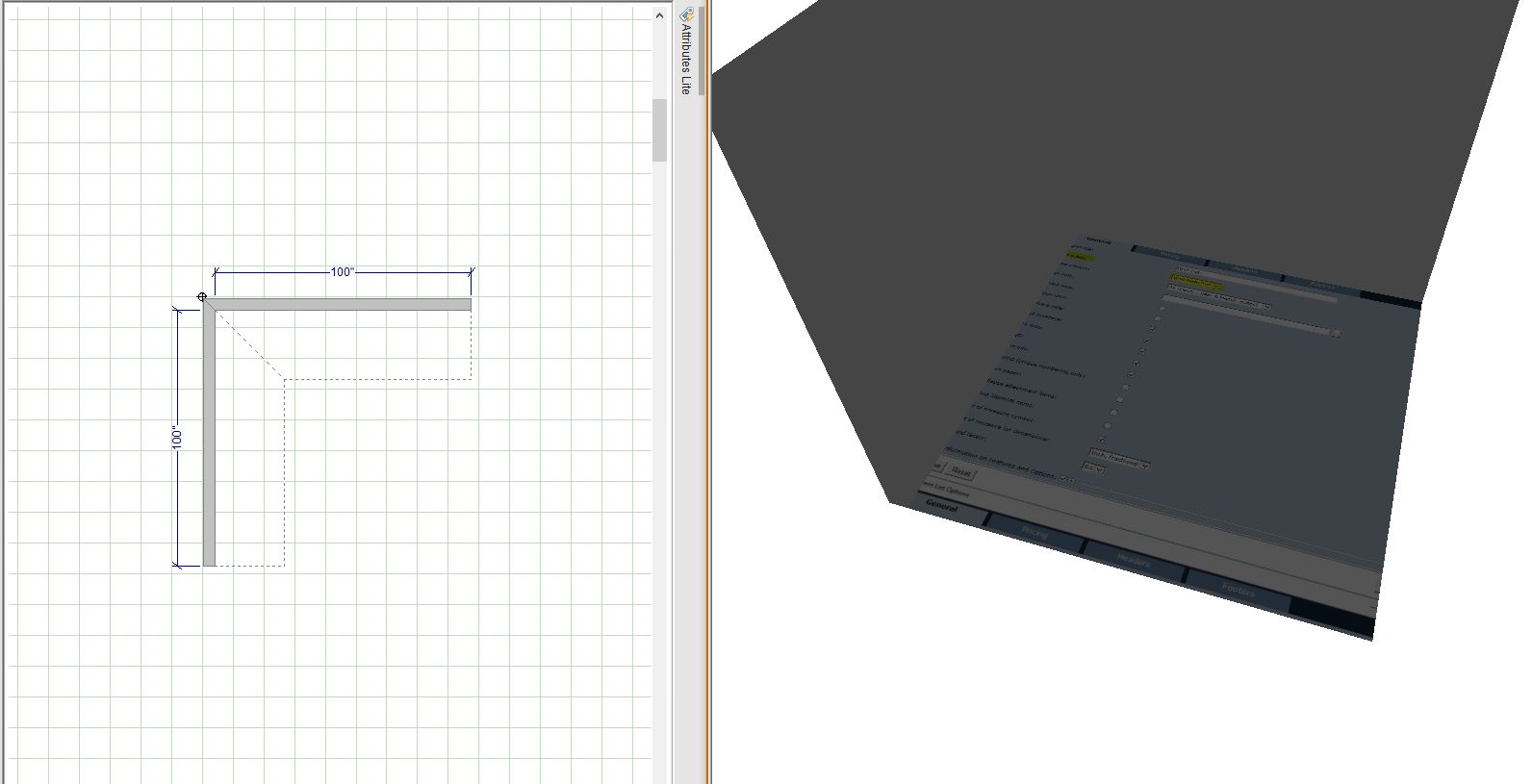
2.Floors – The floor acts similar to the walls.. Depending on where the walls are placed (next to the origin point) will determine how the floor generates. -See images below.
3.3D Shapes – Depending how the 3D Shape is drawn is how the texture will be placed on it. (Circled in Yellow is the first click I made when drawing the Shape using Annotations-Square)-See image below.
(You can only post 4 images per post so I’m adding another post along with the images from the 3D Shapes.)
Regards,
Kris