-
Topic: Printing From Drawing Layout
I am trying to print from Drawing Layout. I’d like all of the tabs to print onto one PDF, however when I try to do so, it prints separately, even when put all of the tabs in the selection area. Another issue I’m having is that they layouts are printing in Portrait, when I have the printer and the page setup both set to Landscape.
Any tips? Thanks!!

Tips from Real Life Interior Designers
Wednesday, May 13, 2020 at 7 PM BST
A strong brand usually means a strong online presence. While interior designers are embracing the flexibility of working with clients through virtual methods, this brings up the question: “How can we protect our intellectual property?”
During this webinar, we will discuss and demonstrate successful ways to protect your creative property.
•Within the design community, how do you define the line between inspiration and plagiarism?
•When setting expectations with your clients, how do you protect your designs?Join 2020 on our journey to help you protect your intellectual property.
Tips from Real Life Interior Designers
Wednesday, May 13, 2020 at 2 PM EDT
A strong brand usually means a strong online presence. While interior designers are embracing the flexibility of working with clients through virtual methods, this brings up the question: “How can we protect our intellectual property?
During this webinar, we will discuss and demonstrate successful ways to protect your creative property.
•Within the design community, how do you define the line between inspiration and plagiarism?
•When setting expectations with your clients, how do you protect your designs?Join 2020 on our journey to help you protect your intellectual property.
Topic: CKBD Exam

Learn with 2020- Come take a break with us!
2020 will be live on Facebook providing all our 2020 customers with informative tips, tricks and hints. These mini sessions have been put into place to motivate, educate and inspire you.
Be sure to follow us on Facebook, check out our schedule and tune in for our next live session!
Learn with 2020- Come take a break with us!
2020 will be live on Facebook providing all our 2020 customers with informative tips, tricks and hints. These mini sessions have been put into place to motivate, educate and inspire you.
Be sure to follow us on Facebook, check out our schedule and tune in for our next live session!
Learn with 2020- Come take a break with us!
2020 will be live on Facebook providing all our 2020 customers with informative tips, tricks and hints. These mini sessions have been put into place to motivate, educate and inspire you.
Be sure to follow us on Facebook, check out our schedule and tune in for our next live session!
2020 wants all our customers to shine bright. We are rolling out the orange carpet for you – Join us for an interactive, innovative and inspiring day full of tips, tricks and information to start your design year off right. We want you to sparkle and outshine your competition. This is our year and we want to make it yours, too. Come celebrate with us.
What the day entails:
•Leave with a bag full of tips & tricks that are guaranteed to help take your business to the next level.
•Discover the direction of 2020 Design and how you can become a more efficient designer
. •Participate by exchanging ideas with fellow 2020 customers and allow inspiration to flow with fresh ideas
This session is valid for 0.5 NKBA and 5 NARI credits.
We are excited to let you know that all proceeds collected will be matched dollar for dollar by 2020 and will be donated to the Las Vegas Habitat for Humanity.
Special pricing to celebrate the new year, use PROMO CODE: YEAR2020 to save. Hurry Spaces are limited!V12.0.6.9 user
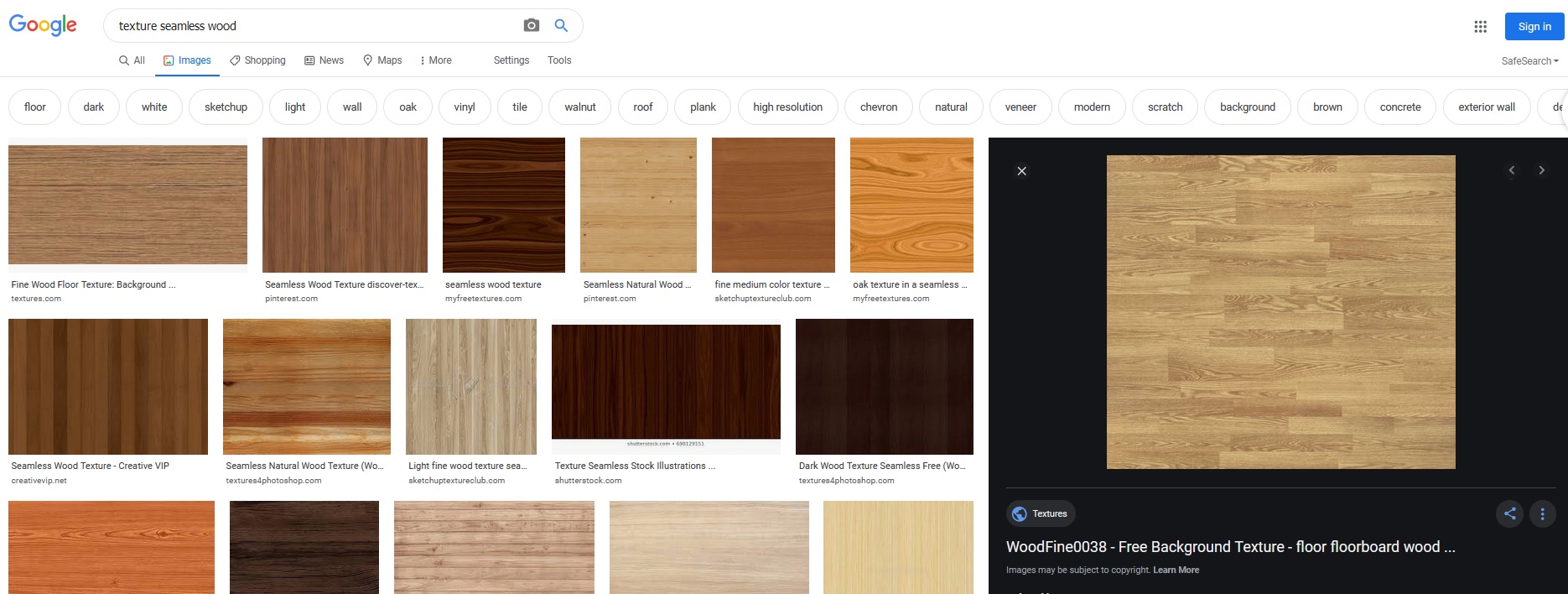
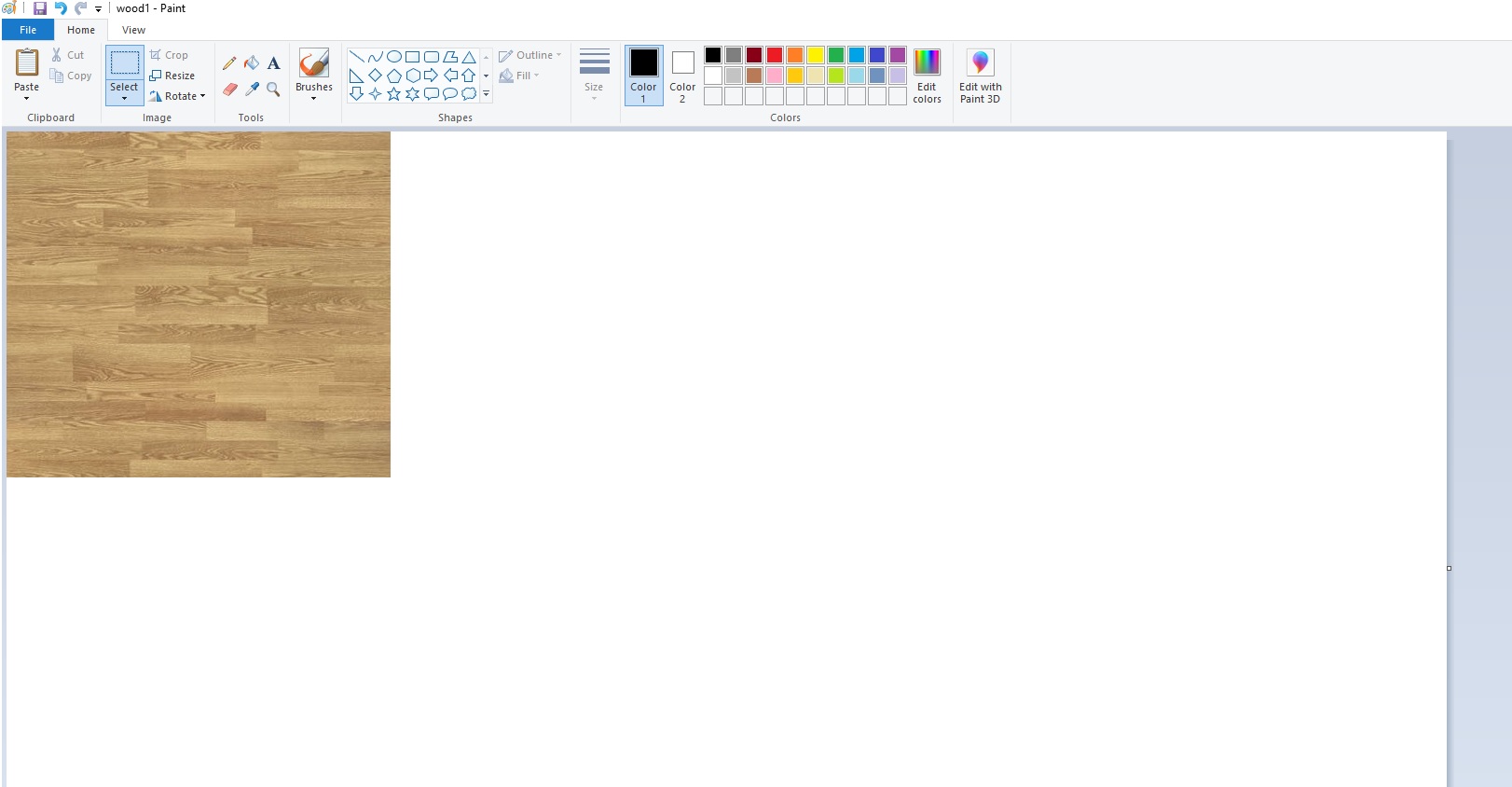
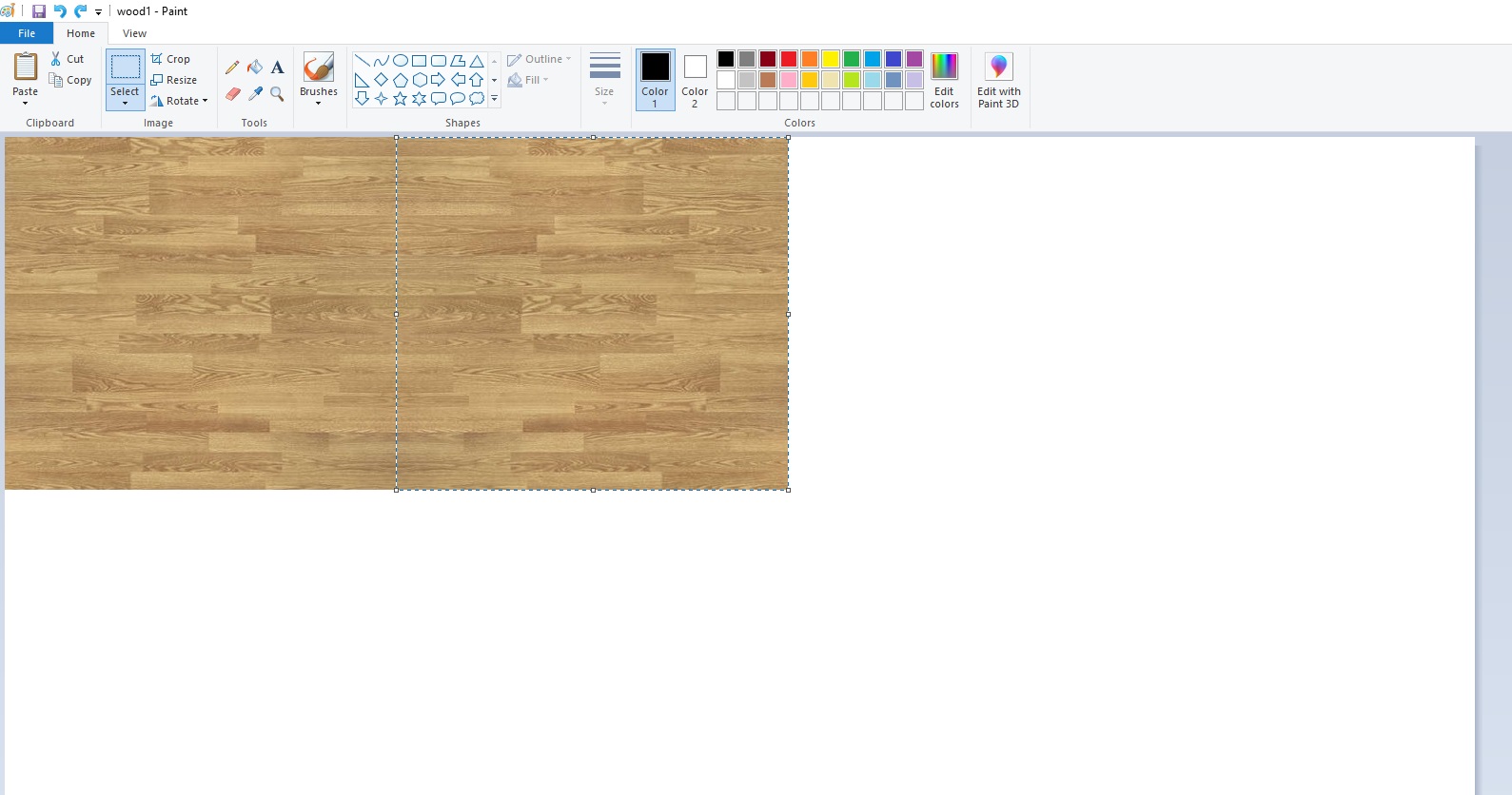
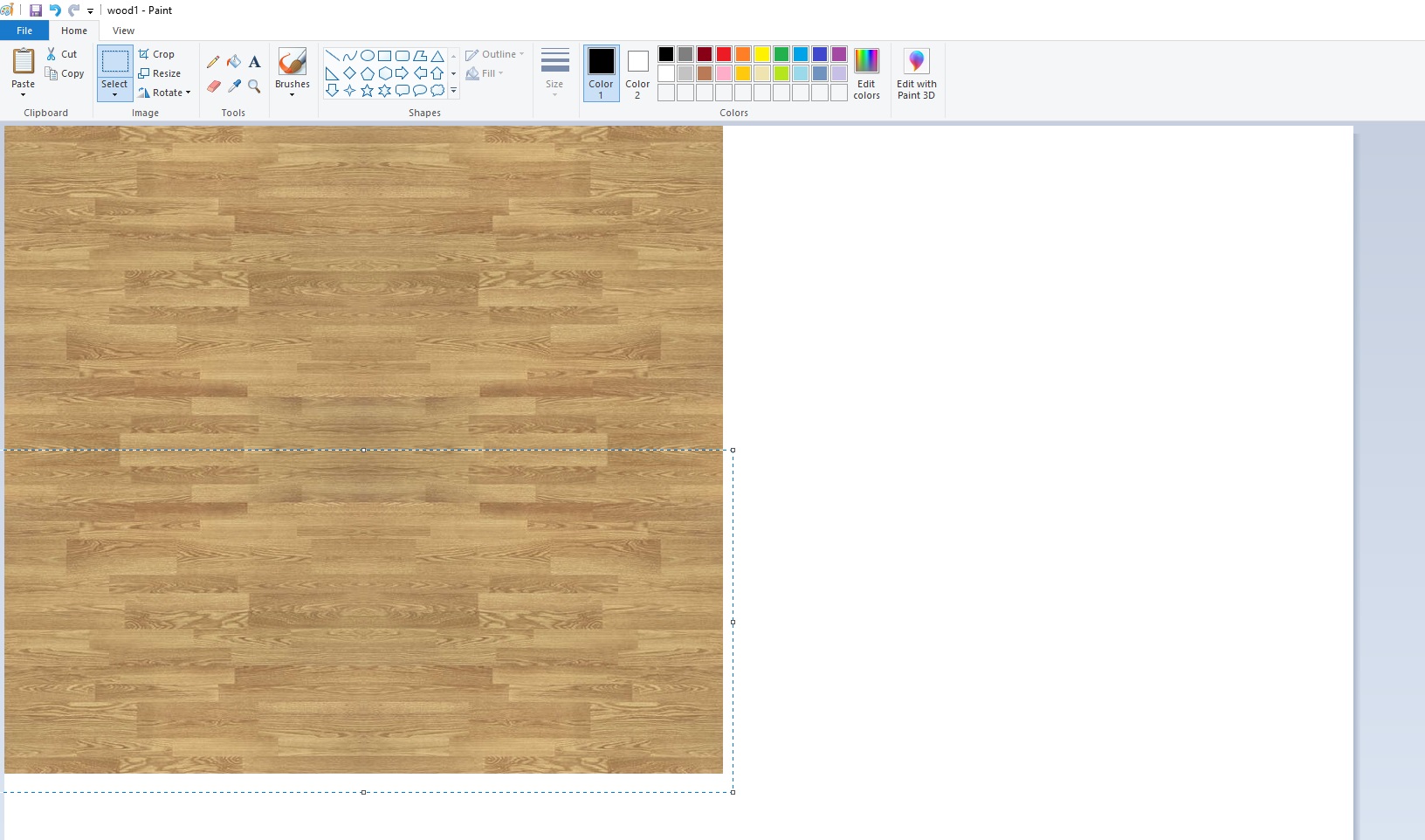
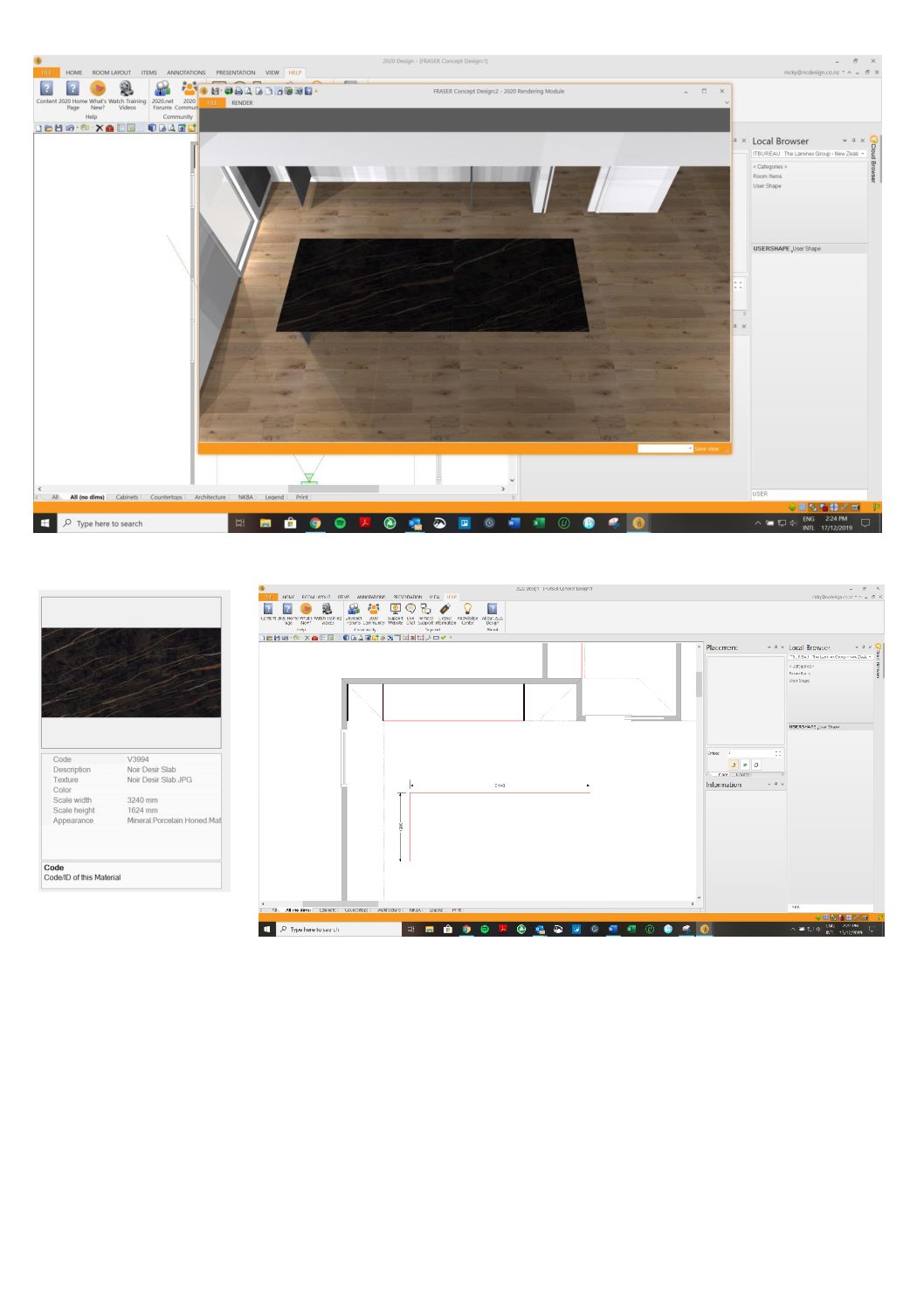
Hi team… I’m having trouble placing/applying imported textures accurately/to scale to surfaces. For example, I use USERSHAPE for benchtops (and other things) and the texture i’ve imported is ‘to scale’ and should fit perfectly on the island, but it doesn’t. It looks like the texture starts halfway along the top and therefore looks to have a join or joins in it.
Does anyone have any tips on how to do this?
Attachments:
Hey there 2020 Fusion community! Here’s a roundup of all the blog posts published in November 2019.
Scandinavian Home Design – 10 Tips to Get It Right
5 Multigenerational Home Design Solutions
Happy reading!