-
Topic: NEW! 2020 Decorative Update
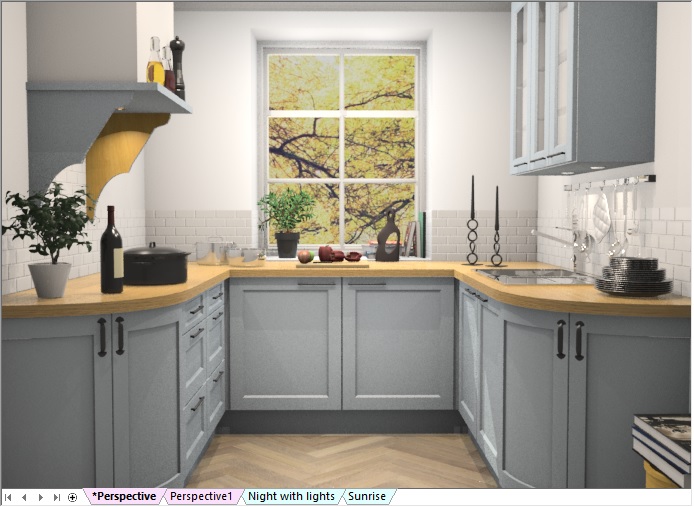
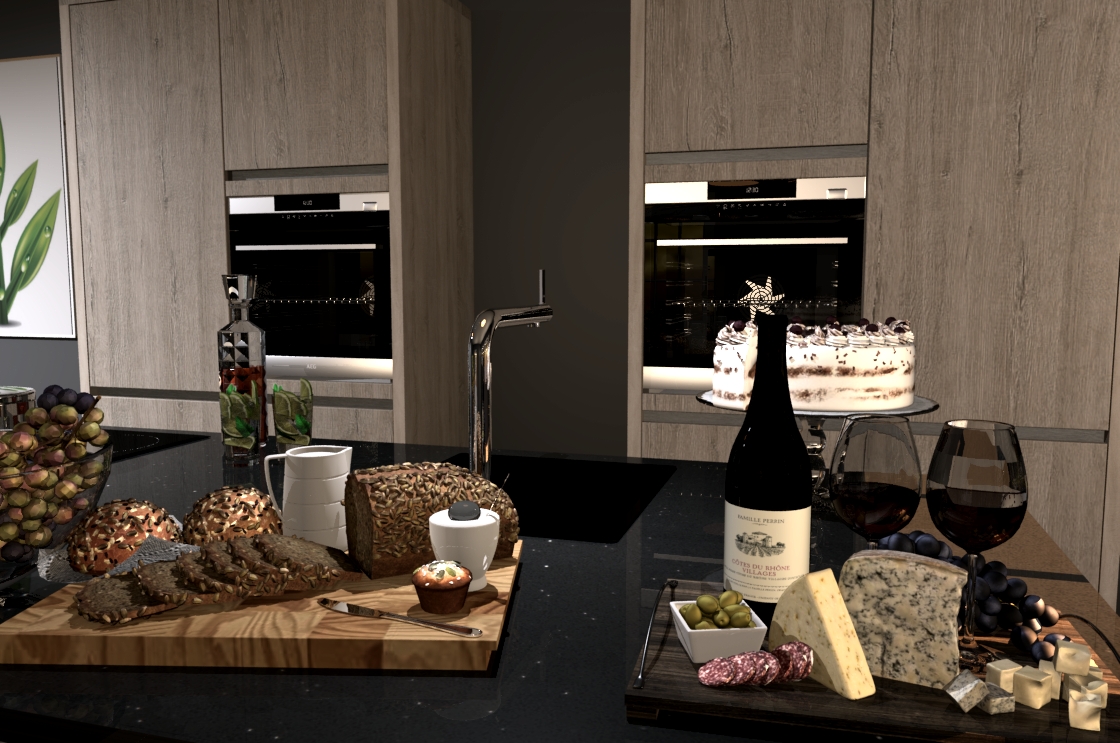 Further to popular demand, we are delighted to bring you another update to the 2020 Decorative Items catalog, exclusively available on 2020 Cloud.
This update contains over 60 items, with the focus on bringing high quality food and drink items to your virtual tables. Whether it’s coffee, juice or something a little stronger,we’ve got the ideal refreshment. And if you need an accompaniment, we’ve added a variety of detailed, realistic and colourful appetisers, side dishes, snacks and deserts.
Moreover, we’ve included a selection of decanters, some filled and some empty, allowing you to complement a table setting or bar area.
Don’t forget you can review all the 2020 Decorative Items on our index page and suggest new items you’d like to see added.
Topic: NEW! 2020 Decorative Update
Further to popular demand, we are delighted to bring you another update to the 2020 Decorative Items catalog, exclusively available on 2020 Cloud.This update contains over 60 items, with the focus on bringing high quality food and drink items to your virtual tables. Whether it’s coffee, juice or something a little stronger,we’ve got the ideal refreshment. And if you need an accompaniment, we’ve added a variety of detailed, realistic and colourful appetisers, side dishes, snacks and deserts.
Moreover, we’ve included a selection of decanters, some filled and some empty, allowing you to complement a table setting or bar area.
Don’t forget you can review all the 2020 Decorative Items on our index page and suggest new items you’d like to see added.
Topic: Disappearing countertops
Hi, I’m new to version 11 of 2020 and am having an issue with my countertops disappearing in my perspective views. They still show in the floorplan and in the elevations, but some sections (usually not all) are not there in the perspective view. I’ve checked my camera and this is not due to object clipping or camera clipping and it isn’t limited to the countertops at the front of the view anyway. Anyone know why?
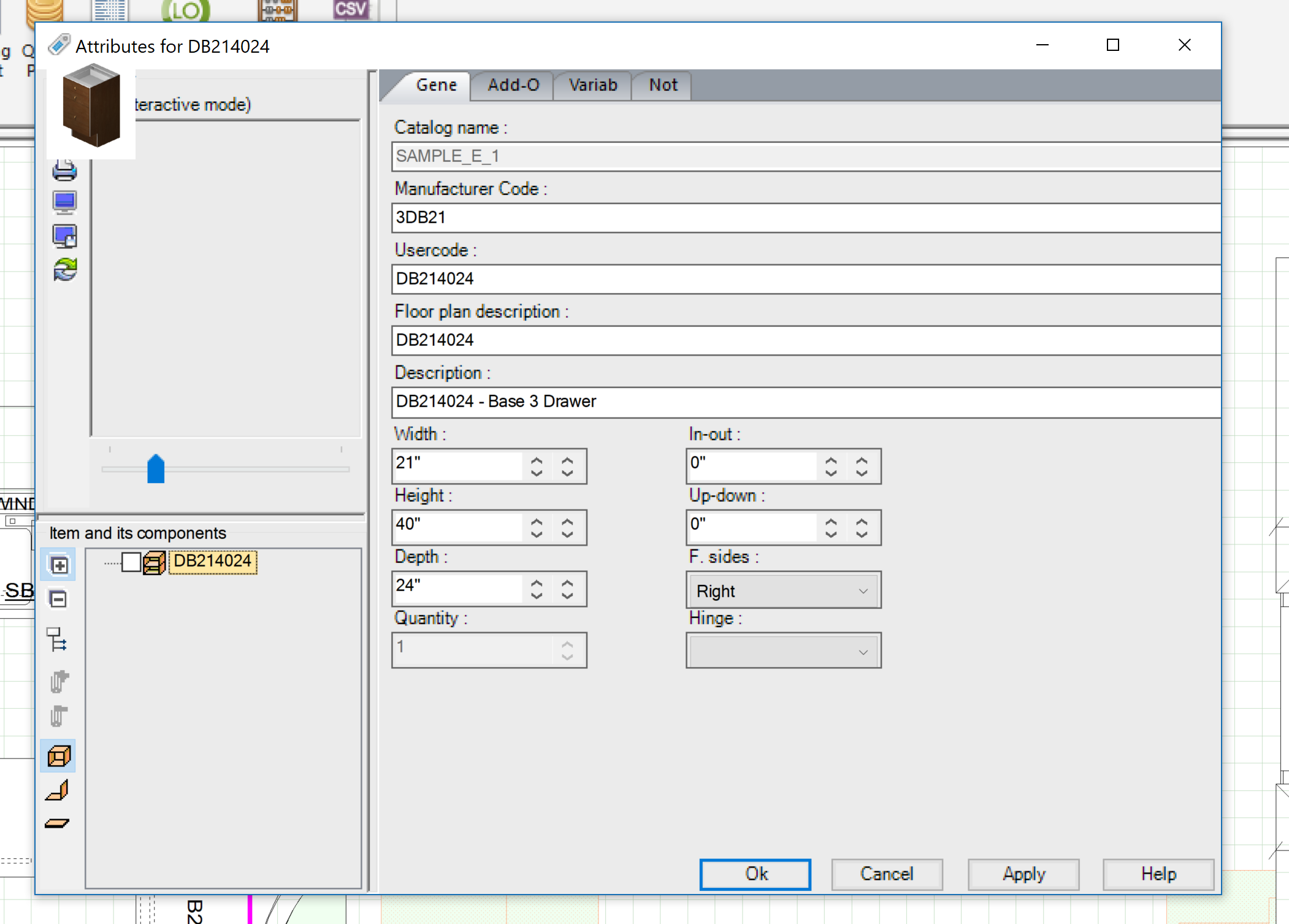
viewing the attributes of an item/cabinet is way too small, also the perspective view is too small but everything else such as the text is good. What can I do to fix this?
Thank you.
Attachments:
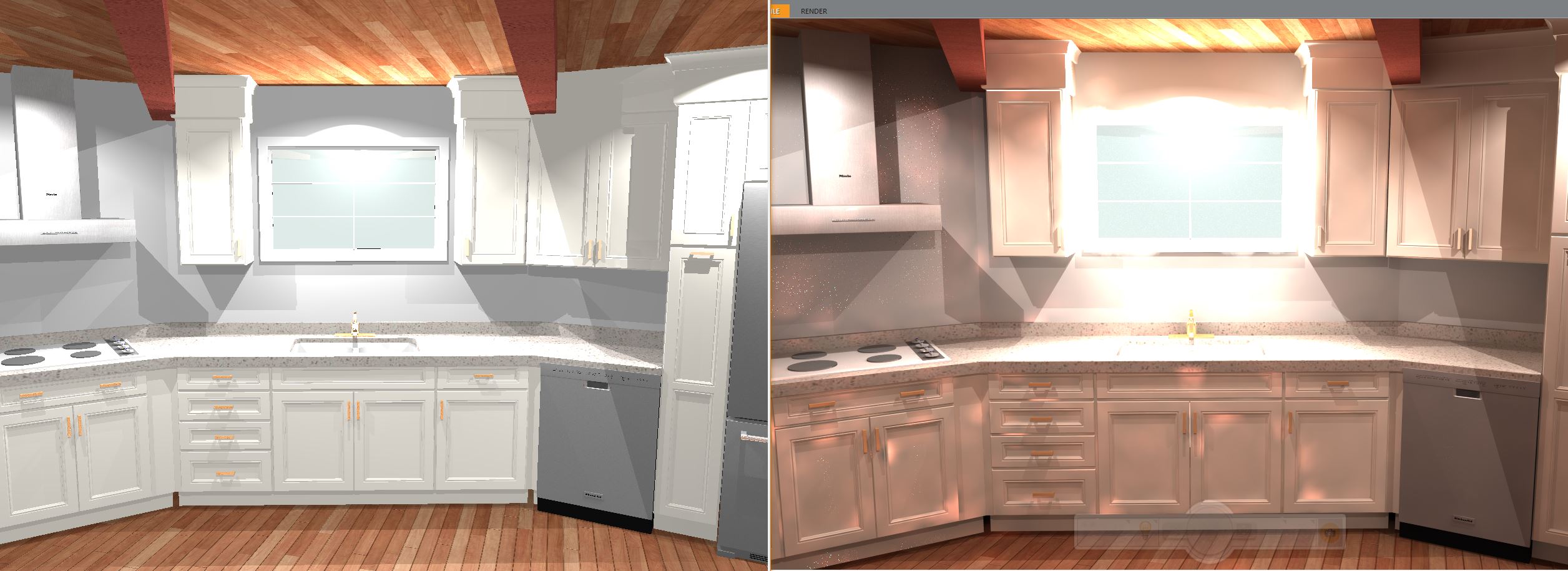
The color difference between what I see in the perspective view and to what is displayed after launching a rendering is very different (see attached side by side). Because of the insane difference very difficult to adjust. It appears to be some sort of lighting issue. Any suggestions on how to get them to be a little closer so that I am not having to guess so much.
Using 11.10, yorktowne iconic catalogs (but have same issues regardless of catalog)
Attachments:
With 2020 Fusion 6.2 or newer, you can easily add Skylights and Roof Lanterns to flat ceilings.
Version 6.2 now offers the designer the ability to add not only these, but also a range of other ceiling fixtures to a flat ceiling and for the application to then apply appropriate cut-outs, as well as display sunlight and backgrounds, as necessary.
Before you proceed
Please ensure that you are running 2020 Fusion 6.2 and that the Advanced Graphics catalogue is up to date.
1. Once your walls have been drawn, click the new Ceiling Fixture Selector icon in the Catalogue Items Palette.
Several new items will appear in the list. If the list is blank, please update your Advanced Graphics catalogue.
2. Drag and drop the desired item onto your plan. You may move the item freely and adjust the item dimensions as well.
3. Generate a perspective to view the item.
Tip: If the item does not appear in perspective view, it may be too high above the ceiling. Simply highlight the item in Plan view, and lower it by clicking the Pull Item(s) Towards icon under the Items tab.
For more information about this new feature, see page 29 of the “What’s New in 2020 Fusion 6.2” document.
This article was originally posted in the 2020 Knowledge Center, a collection of how-to articles related to our products & services. Quickly get answers about downloads, installation, registration, updates and other common questions about your 2020 products. Click here to visit the 2020 Knowledge Center.
Topic: Velux Windows
Hi
Can any one help me with adding velux windows into a sloped ceiling, I have previously performed this task hundreds of times on previous versions of 2020 Fusion, but since i have updated to version 6.1.0.52 as soon as I dragg the velux into the room in elevation view the velux window just disappears from the view. It is in the design in the perspective view but not cut into the sloped ceiling. Is this just a bug or am I missing something?
Thanks
Glen